Features · Machines
Give every machine a working record.
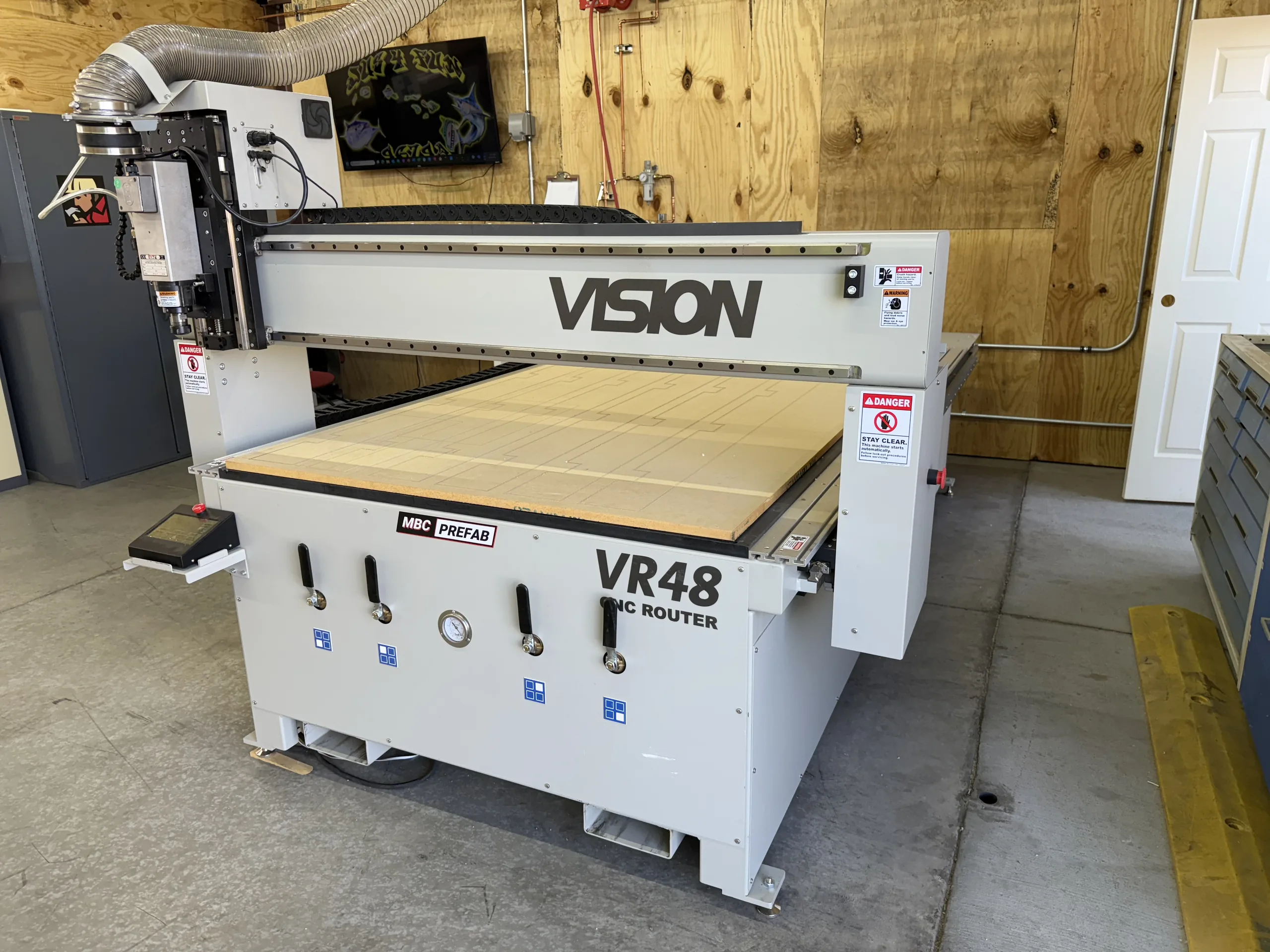
Build a reliable register of factory equipment, attach the context the team needs, and let Vision AI record each machine’s state from its camera: On, Off, Under Repair or states of your own.
How this is put together
Machines combines the machine register with Vision AI camera setup, machine-state training and state recognition. Products, work areas, tools and equipment are covered on the Vision AI page.
Operational benefit
Start with the machine record. Then teach the visible states.
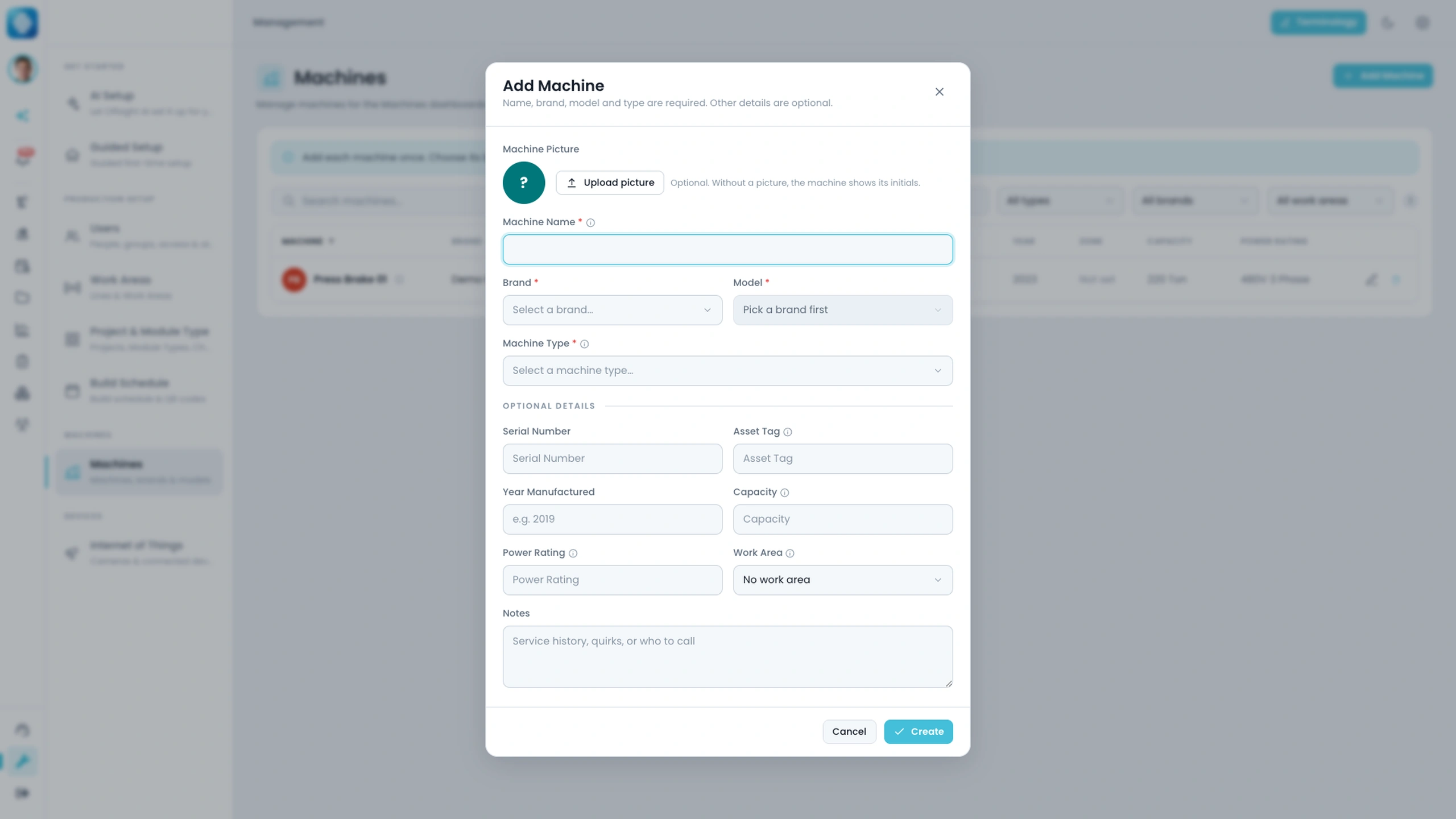
- Create a record with the machine name, make, model, type, serial number, asset tag, year, zone, capacity, power and notes.
- Add a profile image so the record is recognizable when the team is working across a busy floor.
- Connect a supported camera to the machine or its work area in Internet of Things, with a guided setup that saves every step.
- Teach states such as On, Off, In Use, Under Repair, Needs Repair or the ones that fit your operation, starting from twelve marked frames each for On and Off.
What is included
Machine records, camera setup and machine states from Vision AI.
Machine register
Keep the name, make, model, type, serial number, asset tag, year and profile image in one equipment record.
Factory context
Record the zone, capacity, power and notes that help the team identify where the machine belongs and how it is used.
Camera setup
Connect a supported camera to a machine or its work area in minutes, then watch its live stills in the camera feed.
Markup on any device
Outline the machine and mark its states with the pen, polygon or magic wand, on the console, iPhone or Android.
Visual-state teaching
Start with familiar states such as On, Off, In Use, Under Repair and Needs Repair, or define states that match the factory.
Design outputs when needed
Use design-file workflows for cut lists, shop drawings and documented machine exports when the equipment workflow calls for them.
With Offsight AI
Machine states, recorded by Vision AI.
The team names the states, marks a few real frames and presses Start training. Offsight trains and deploys the model, and every change of state lands on the machine record.
Starts with your language. Name the visible conditions that matter to the team instead of forcing the factory into a generic status list.
Uses real floor examples. Mark frames from the machine’s own camera feed that show the state you want to teach.
Sure before it writes. A confidence floor and a run of agreeing frames decide when a change of state is recorded, so one odd picture does not log a false stop.
Keeps the equipment identifiable. The machine record gives the visual-state workflow a clear asset, location and operating context.
Part of the wider Vision AI. The same cameras also follow products through work areas and locate tools and equipment. The Vision AI page walks through all of it.
On the floor
Keep the equipment record close to the work.
See machine records and Vision AI on your factory floor.
We will walk through the workflows using your products, teams and factory terminology.