Apps & Integrations
Factory systems,
connected to production.
Connect ERP, design software, machines, controls, databases and factory-floor tools to live Offsight workflows.
- ERP and accounting systems
- Design, BIM and CAD tools
- Machines, tools and open APIs
- Factory-wide integrations
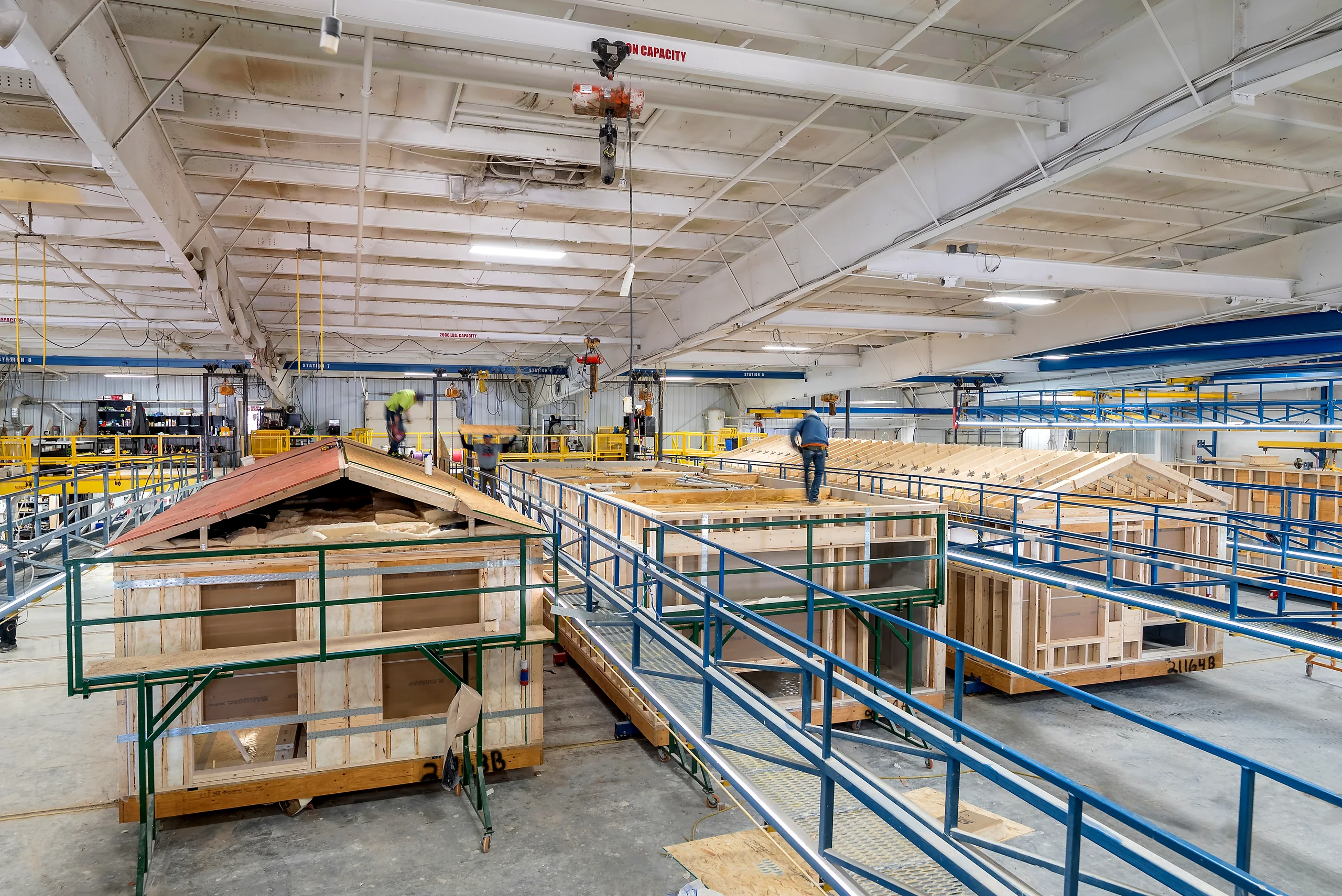
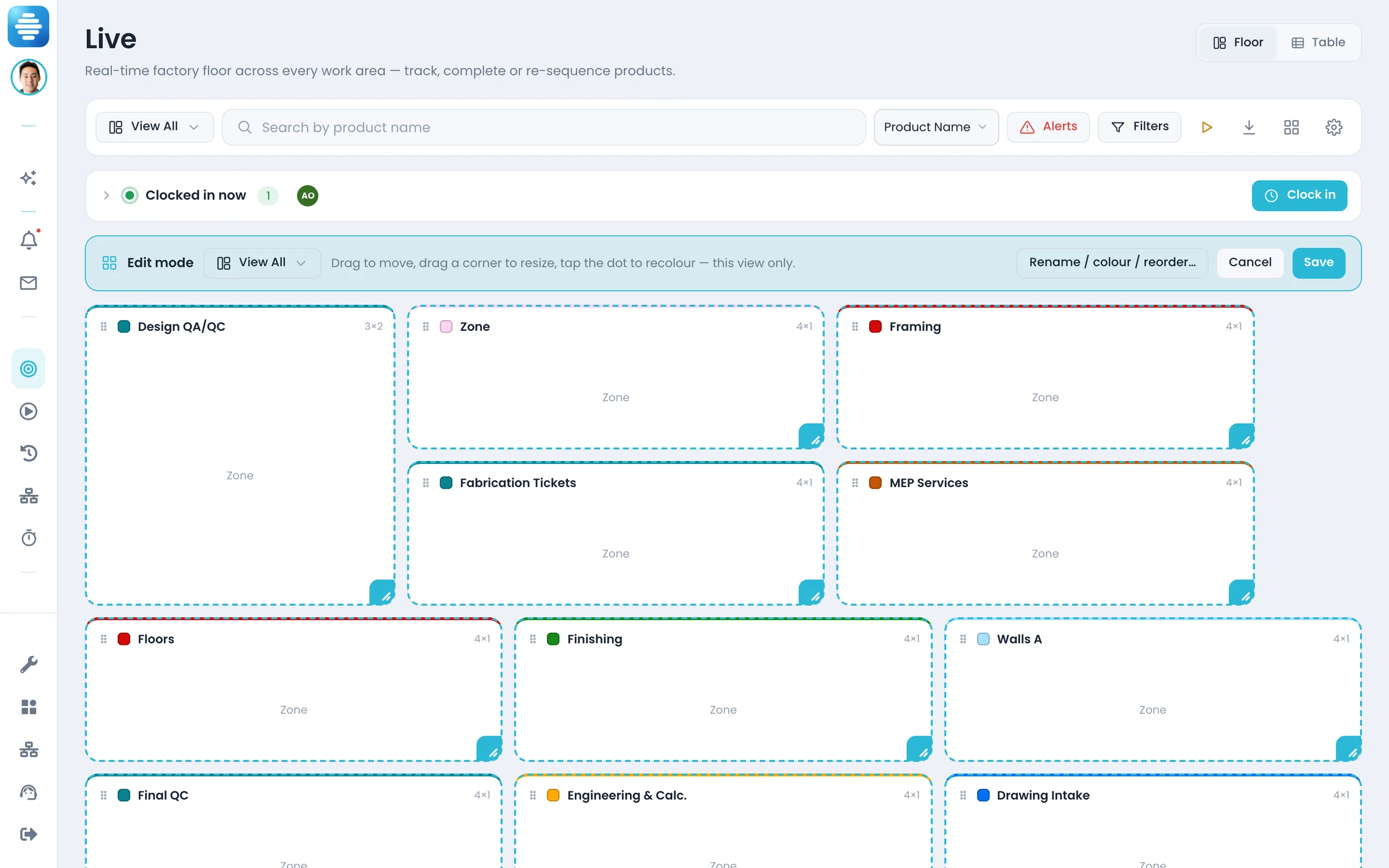
Connect the systems your factory already runs on.
Production stays the live record.
ERP, design tools, machines and floor systems all feed the live production record.
Production record
Business, design and machine data become work on the floor.
- One live production model. Connect items, POs, costs, drawings, models, machine events and shop-floor tools to live work.
- Live updates. Production, receiving, revisions and machine-level updates stay current.
- Connection status in one place. Manage ERP, design, machine and custom app connections together.
- AI across every connection. Ask across ERP, drawings, machines, quality, schedule and factory apps.
The dashboard
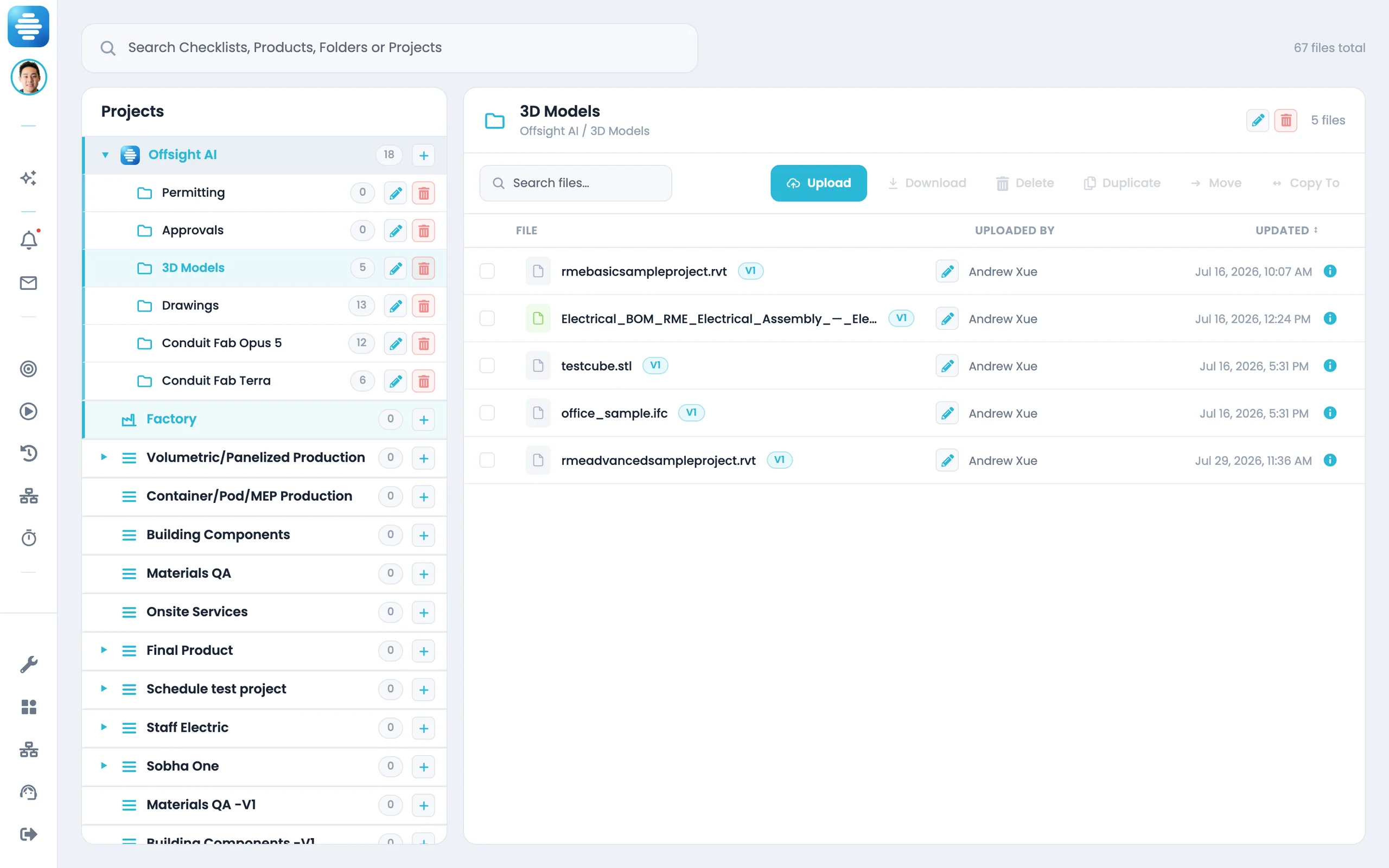
See every factory integration in one dashboard.
Track ERP, design, machine, tool and custom software connections from one place.
See what is connected
Know which systems are live, which need setup and which need attention.
Connected means connected
An app that is not live yet cannot appear as connected.
Sync business records to production
Keep suppliers, items, POs, receipts, costs and warehouses aligned with the floor.
Push design data into work
Connect drawings, models, BOMs and revisions to product types, tasks and checklists.
Capture machine and floor data
Bring in machine events, scanner activity, QA readings and shop-floor tool data.
Manage setup without guesswork
Map fields, credentials, sync rules and approvals from the integration dashboard.
Connect any factory software
Use APIs or custom integrations for databases, spreadsheets, CMMS, QMS and internal apps.
ERP. NetSuite, QuickBooks and business systems
Business records tied to build work.
- Sync suppliers, items, costs, POs, receipts and warehouses.
- Map accounts, vendors, tax, classes and locations.
- Run syncs from the dashboard.
- Manage mapping and disconnect from the same card.
Design, machines and factory tools
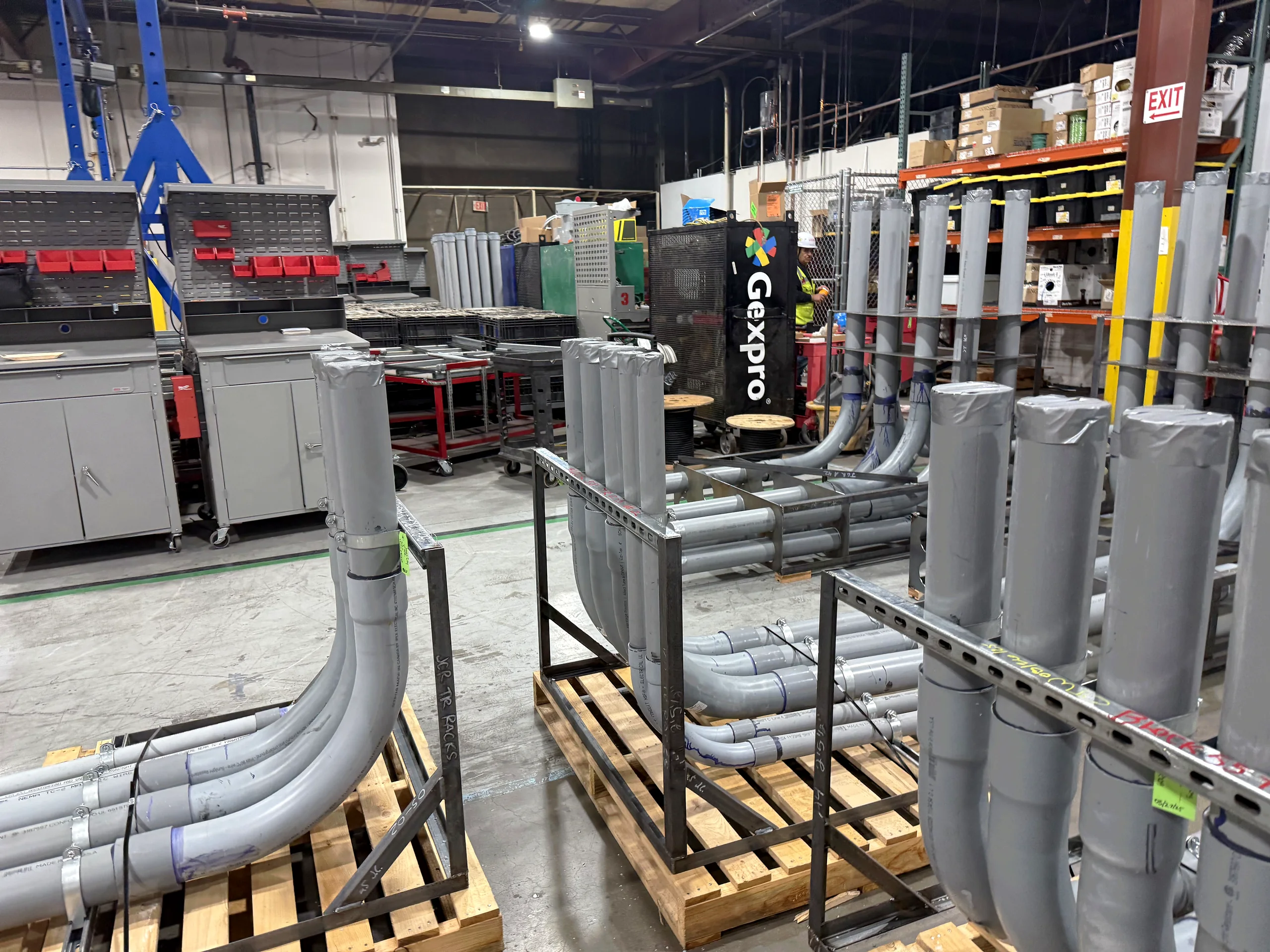
Connect the tools that run the factory floor.
- Design data. Reference current drawings, models, markups and file packages.
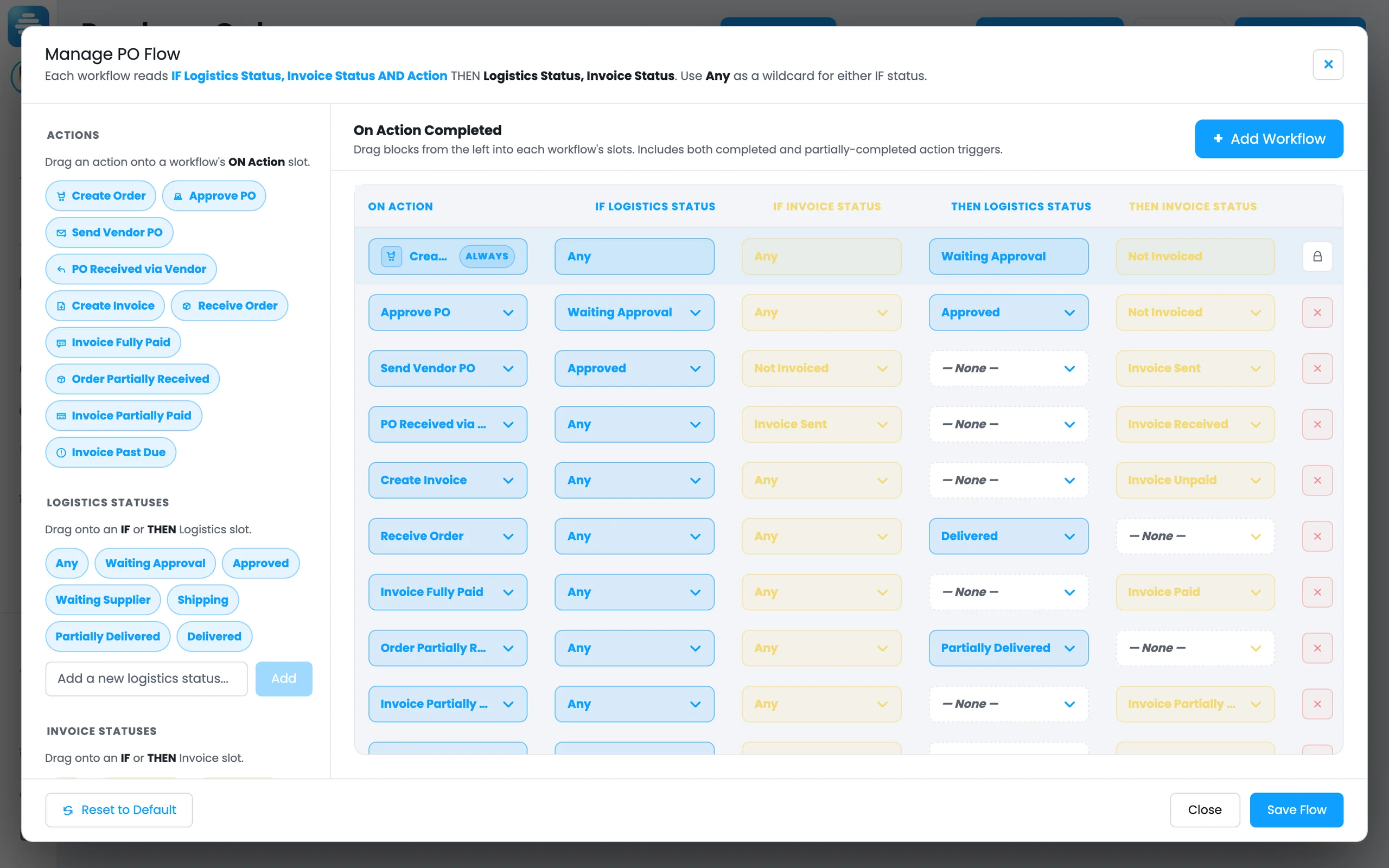
- Machine and control data. Connect CNCs, saws, welders, batch equipment, PLC/SCADA feeds or other machine-level systems, through the Open API or a custom integration.
- Factory tools. Connect barcode scanners, RFID, scales, QA devices, CMMS, QMS, scheduling tools, spreadsheets or internal apps, through the Open API or a custom integration.
- Bring in the right source. Use the best system of record for each workflow, from design to machine output.
AI-assisted integration setup
Use AI to help configure factory connections.
AI can show connection status, open settings, suggest mappings and guide setup.
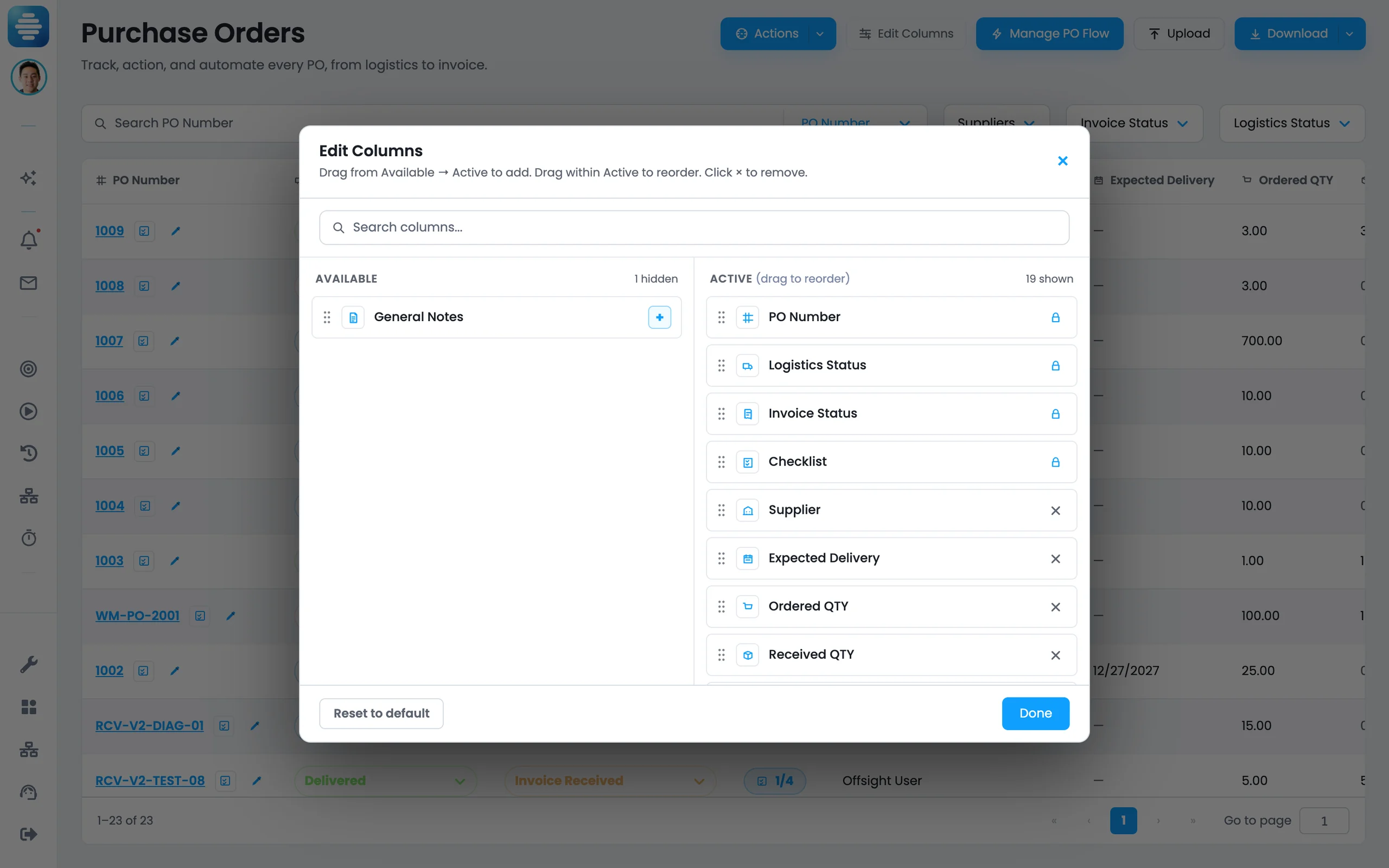
- “What is connected?” It lists every integration and its real connection status, including the ones that are catalogue-only.
- “Open ERP settings.” It opens the same mapping, sync and credential dialog you would have clicked to, with your live values in it.
- “Connect Google Drive.” It starts the connection and hands you to the provider’s sign-in page to finish.
- User approval stays required. You confirm connections, syncs and disconnects before they run.
Connected
One system, reaching what you already run.
Where the work happens
- Tablets on the floorChecklists, photos, sign-off
- Phones in the zoneiOS and Android, same screens
- The consoleLive, Planning, Analytics
Offsight AI
One live system of record
Production · Materials · Labor · Quality
What you already run
- NetSuite
- QuickBooks
 Autodesk
 Google Drive
 SharePoint
 OneDrive
 Box
Box
Factory-level systems
Not limited to ERP and design.
Connect the software, machines and data sources that drive production — through a shipped connector where one exists, and through the Open API where one does not.
- ERP and accounting. NetSuite, QuickBooks, suppliers, items, POs and costs.
- Design software and file systems. Revit, CAD, BIM, drawings, models and file storage.
- Machines and controls. CNCs, saws, welders, batch equipment, PLC/SCADA/HMI data and other machine-level sources, through the Open API or a custom integration.
- Any factory software. Connect CMMS, QMS, scheduling, inventory, barcode/RFID, spreadsheets, databases or internal apps through the Open API or a custom integration.
Open API
Use the API for any factory system.
REST APIs expose Offsight production records so factory-level software can read, write and sync the data it needs.
- REST endpoints for production records
- Scoped API keys with rotation
- Usage metering in the console
- Product, material, quality, document, labor, schedule and machine-related records
- API docs for integration planning
Governance
Govern factory-level connections.
Permissioned access
Control who manages ERP mapping, design sources, machine data, credentials and sync actions.
Learn moreControlled keys and credentials
Encryption, 2FA, credential controls and API key rotation.
Connected manufacturing infrastructure
Cloud infrastructure, account separation, credential controls and APIs.
Learn moreBring your factory tech stack.
Show us your ERP, design tools, machines, shop-floor apps and production workflow.