Features · Labor
Track labor against the work as it happens.
Offsight Labor ties clock-ins, shifts, products, zones and projects together so labor cost and capacity are visible during the shift, not after payroll closes.
Operational benefit
See the shift as it is staffed.
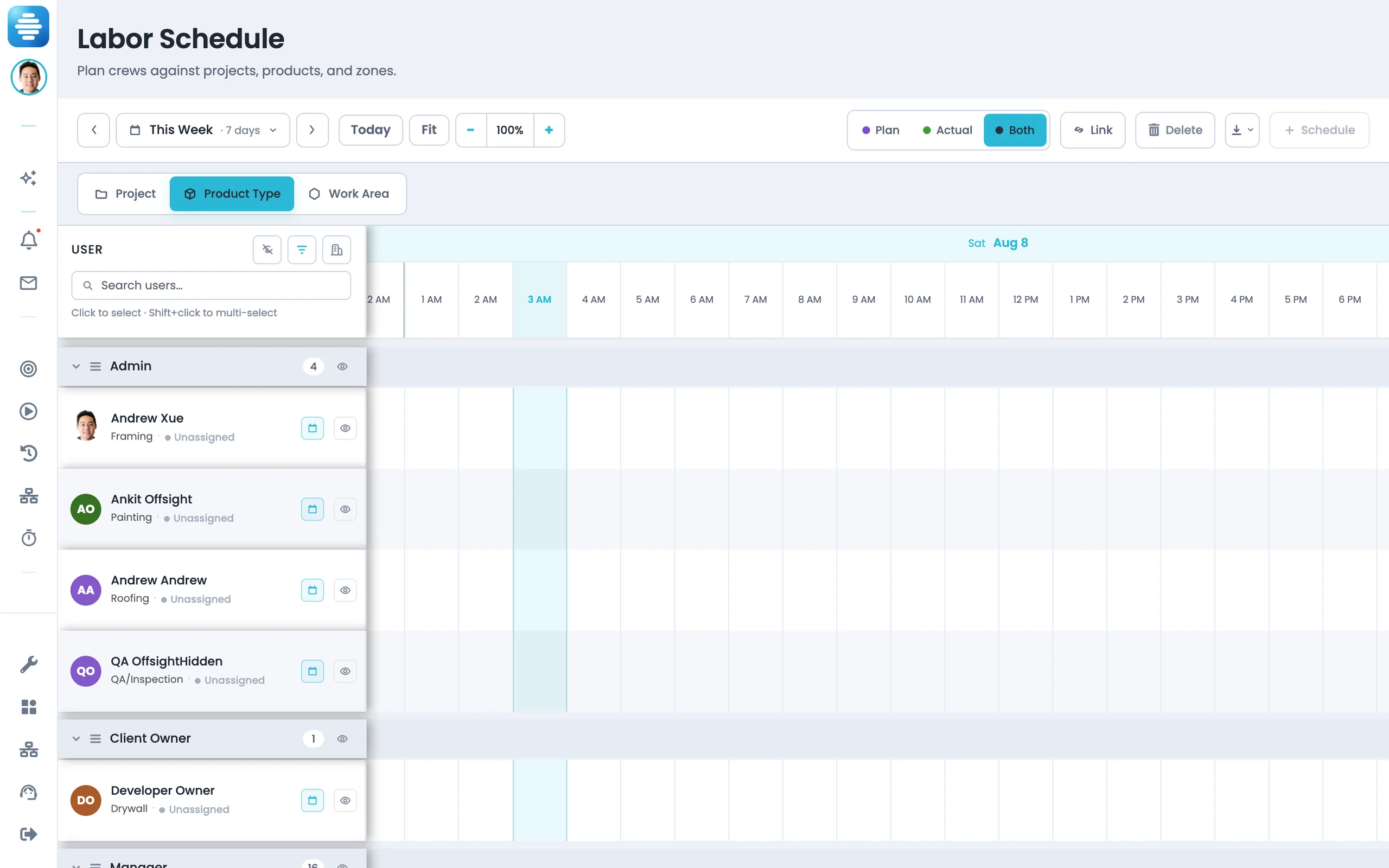
- Assign people to departments and work areas across the week, then adjust as the shift changes.
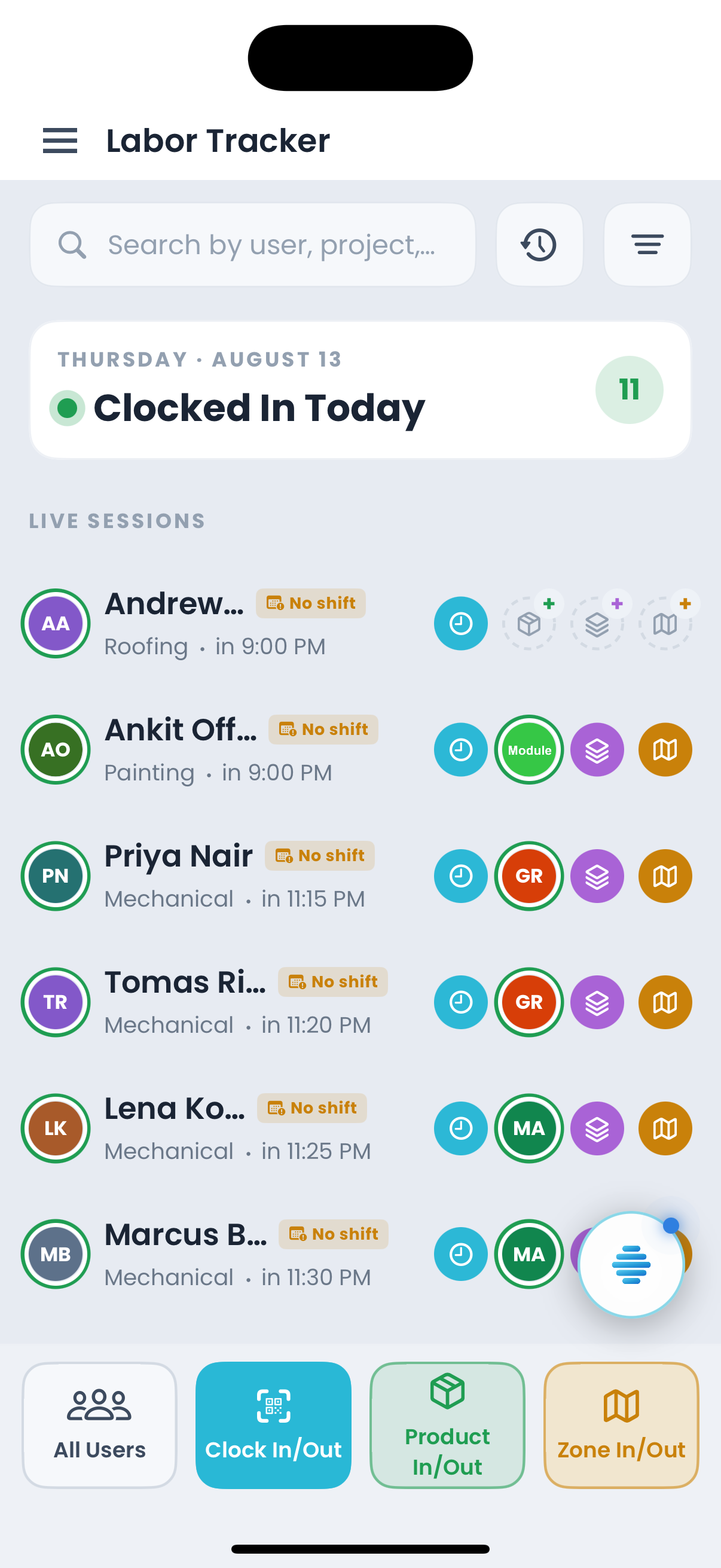
- Check users into the product, project or zone where their time is actually spent.
- Staffing and live work stay connected so managers can see where labor is supporting production.
- Labor alerts surface during the shift while assignments can still be adjusted.
What is included
Clock-ins, shifts, timesheets, payroll reports and labor analytics.
Labor Tracker
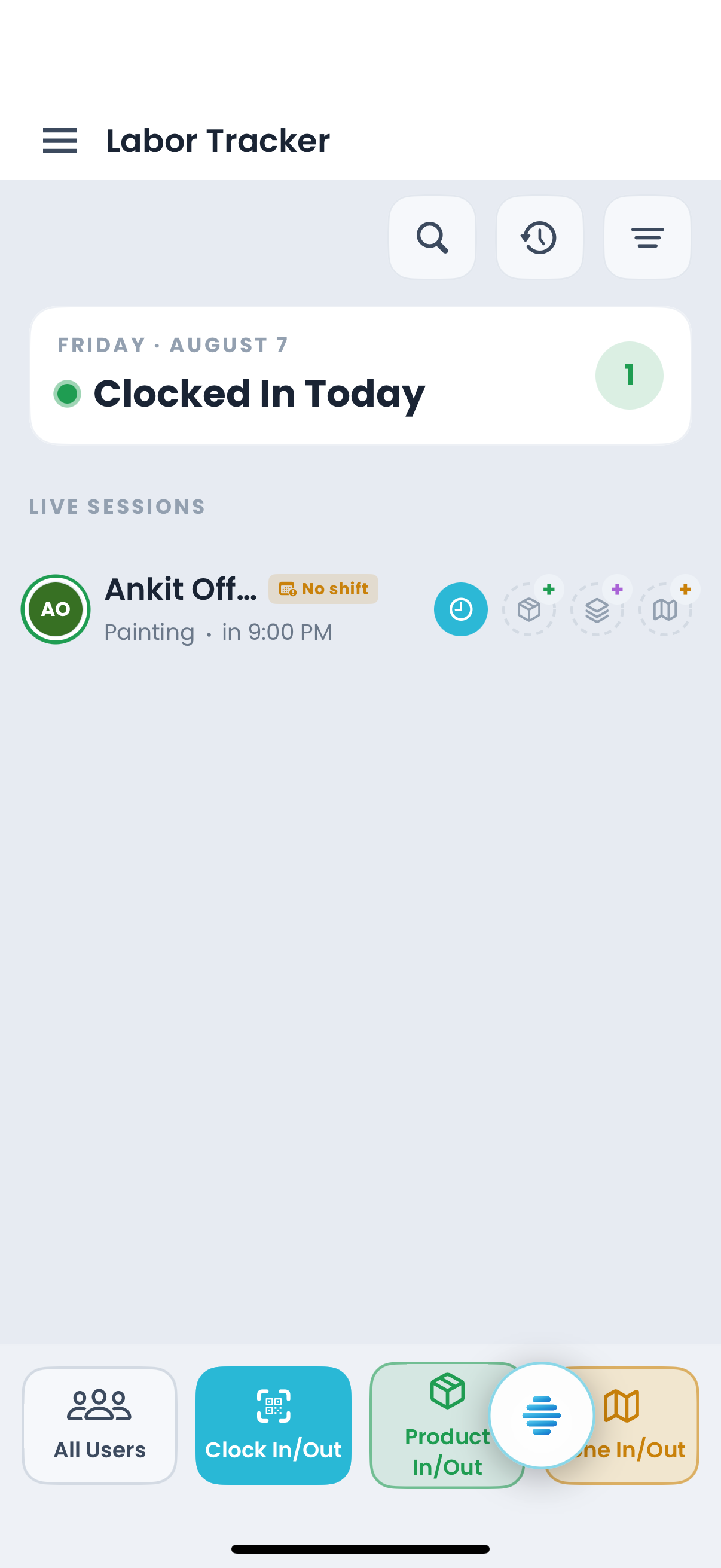
A live clock-in board grouped by department, user and session, with work tied to product, project or zone.
Labor Schedule
Schedule labor by department and role.
Manage Shift
Define shifts once so tracker, timesheets and reports use the same structure.
Timesheets
Roll hours up by product, zone, user, project and clock log.
Labor Reports
Build payroll reports directly from timesheet records.
Analytics — Labor
Analyze labor by product, zone, user, efficiency, capacity and rework with drill-down.
With Offsight AI
AI setup for labor structure and reporting.
Offsight AI helps build labor structure from how your plant actually works, then answers questions from live time records.
Builds the labor setup. AI Setup can create departments, shifts, roles and access from your plant structure.
Explains where hours went. Ask where hours went and get the zones, products and people behind the number.
Builds the payroll pack. Generate weekly hours, exceptions and payroll reports from the same records the floor uses.
Helps update the record. The Assistant can read the console screen and help update the labor record.
On the floor
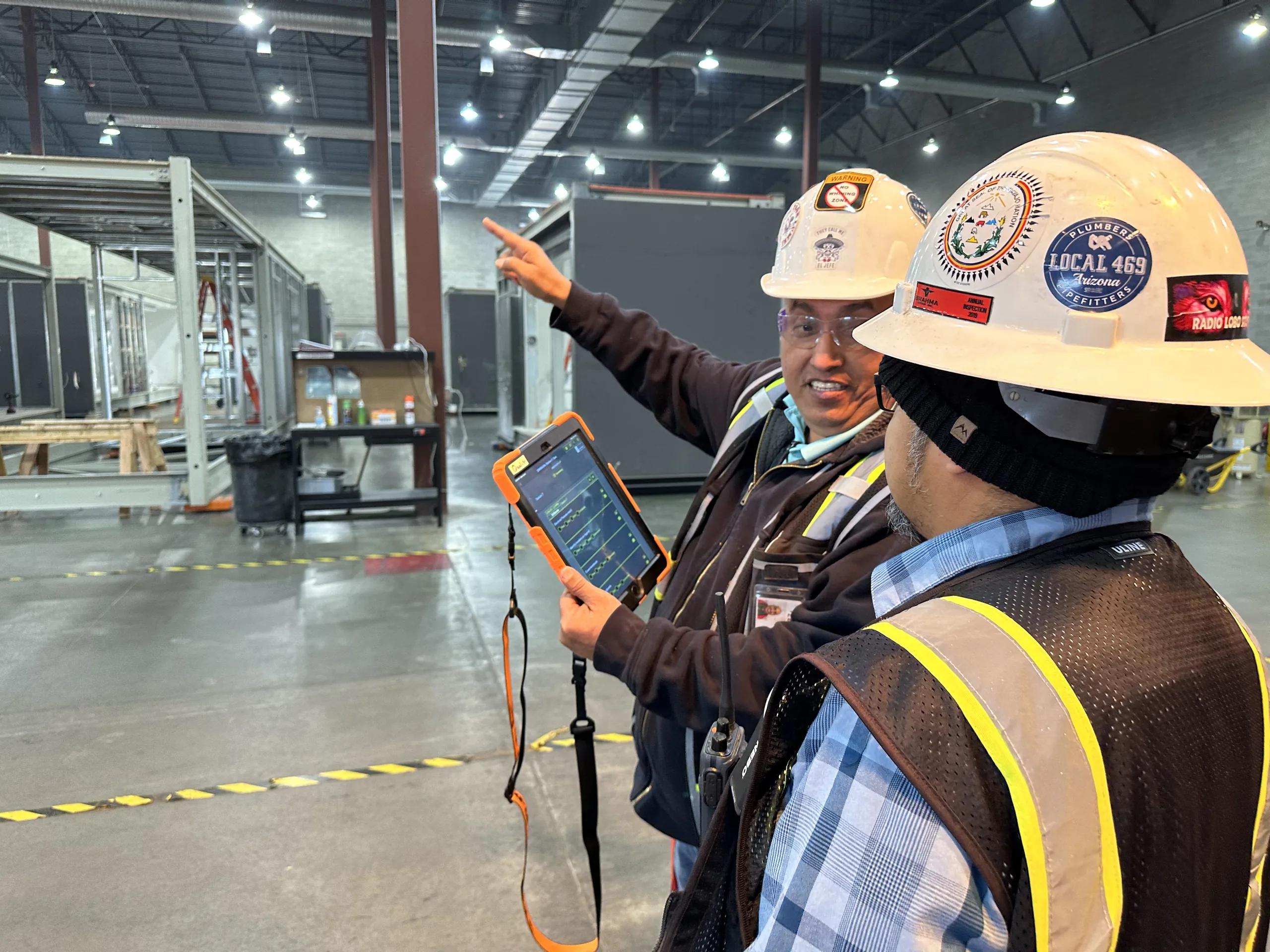
Labor works from the floor.

Connected to
The rest of the Offsight system.
See Labor running on your factory workflows.
We will walk through the workflows using your products, teams and factory terminology.