Features · Documents
Keep drawings, photos and reports with the work they support.
Offsight Documents keeps files, revisions, markups, photos and reports tied to the project, product, zone and checklist where the work happened.
Operational benefit
The current file is available where the work happens.
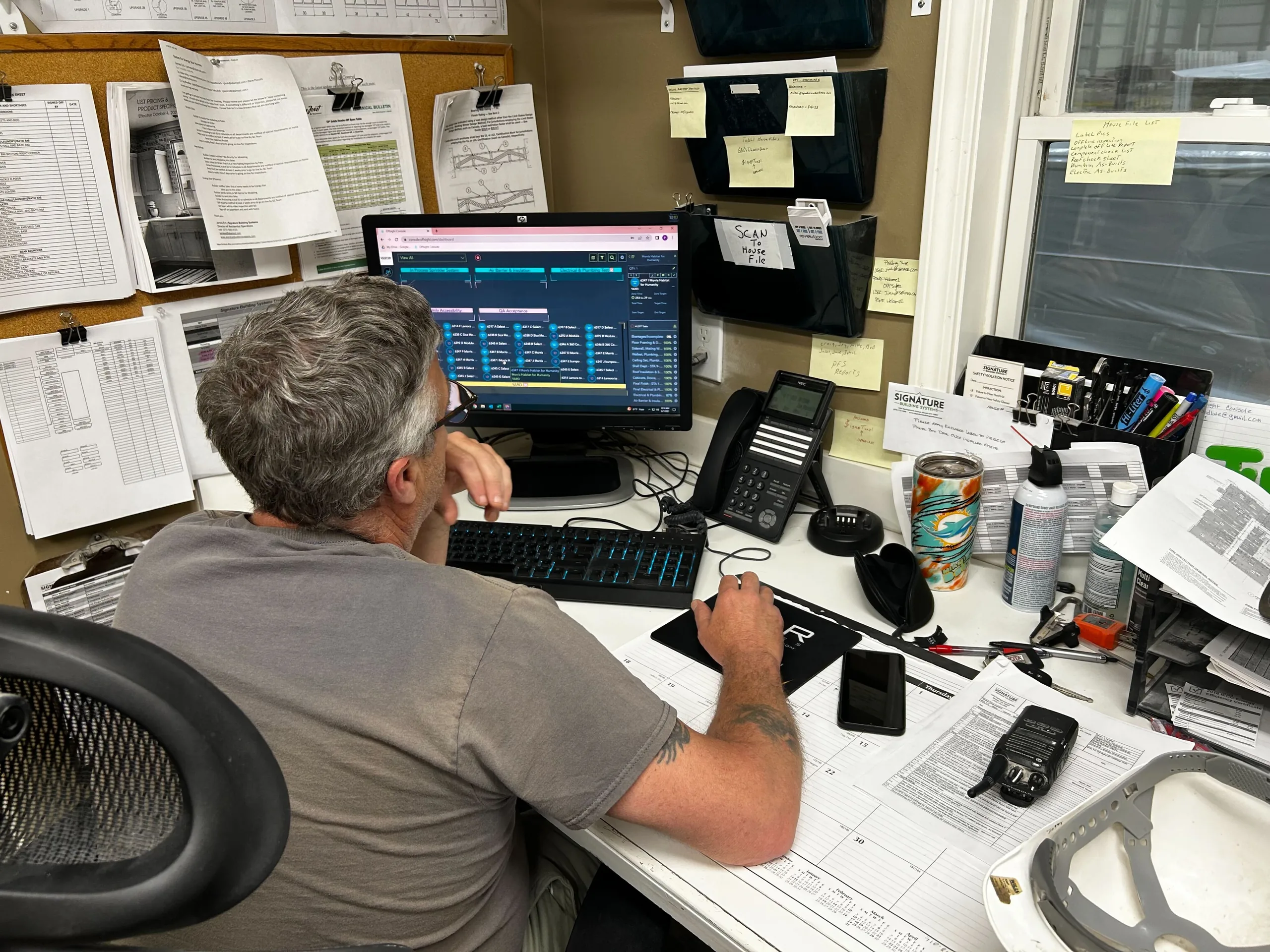
- Drawings and attachments open from the Live product drawer, one click from the work order they support.
- Upload a revision and it replaces the old working version while keeping history in place.
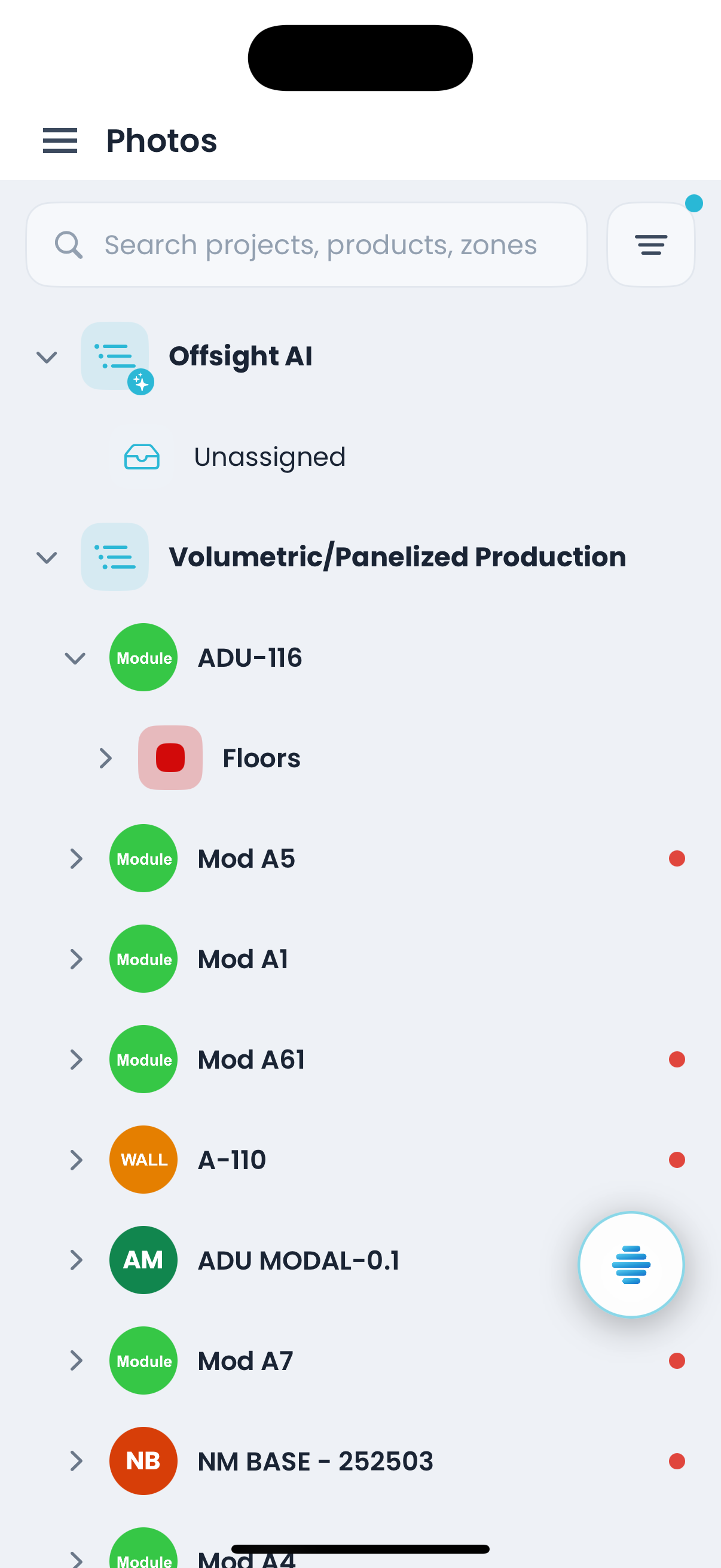
- Photos captured on the floor land under the right project, product, zone and checklist automatically.
- Package folders for customers, inspectors or internal teams without breaking the file structure.
What is included
File control, revisions, markups, photos and reports in one record.
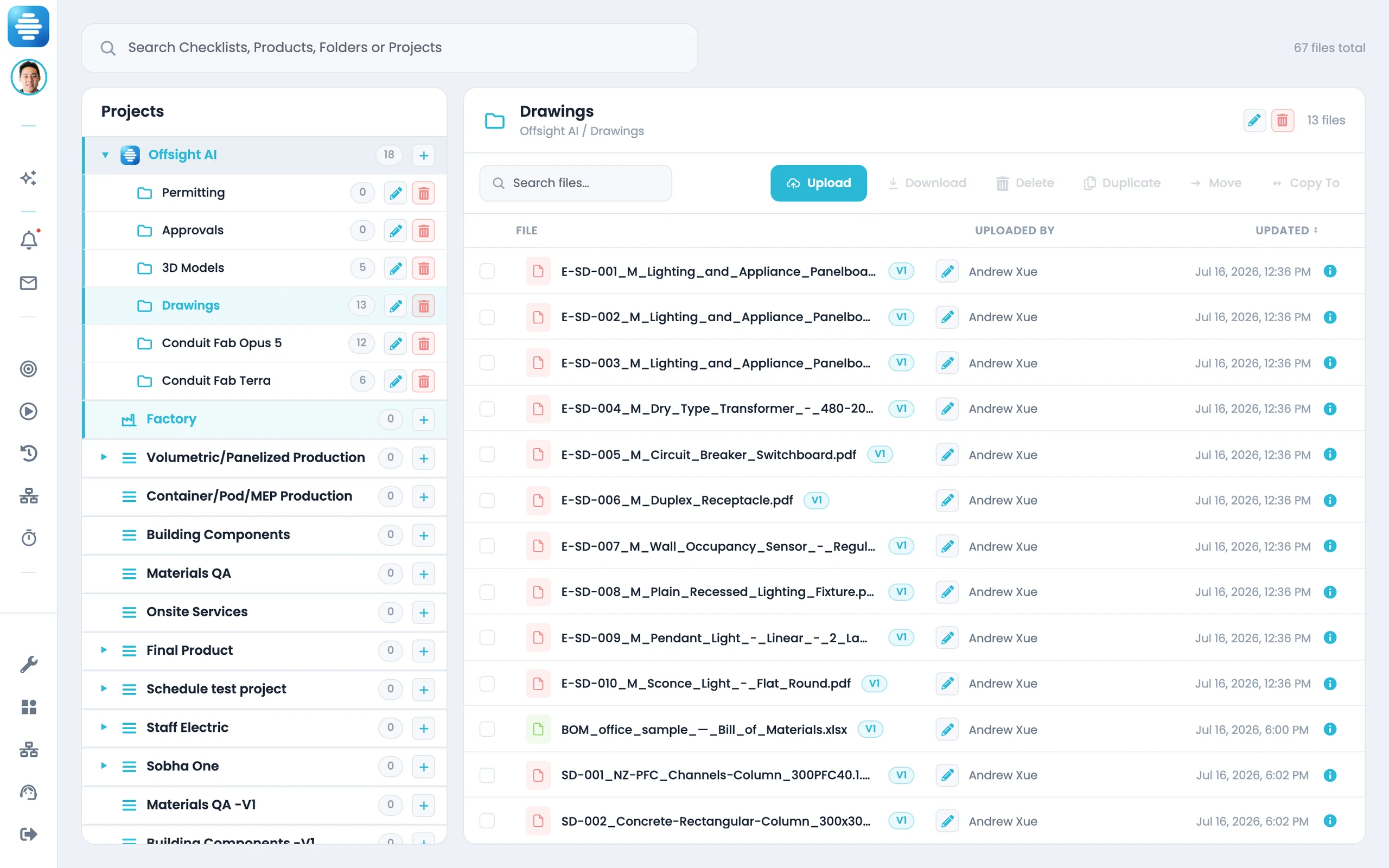
File Manager
Manage folder trees, uploads, file details and background zip downloads from one console.
Versioning in place
Each file keeps its version history at the same location.
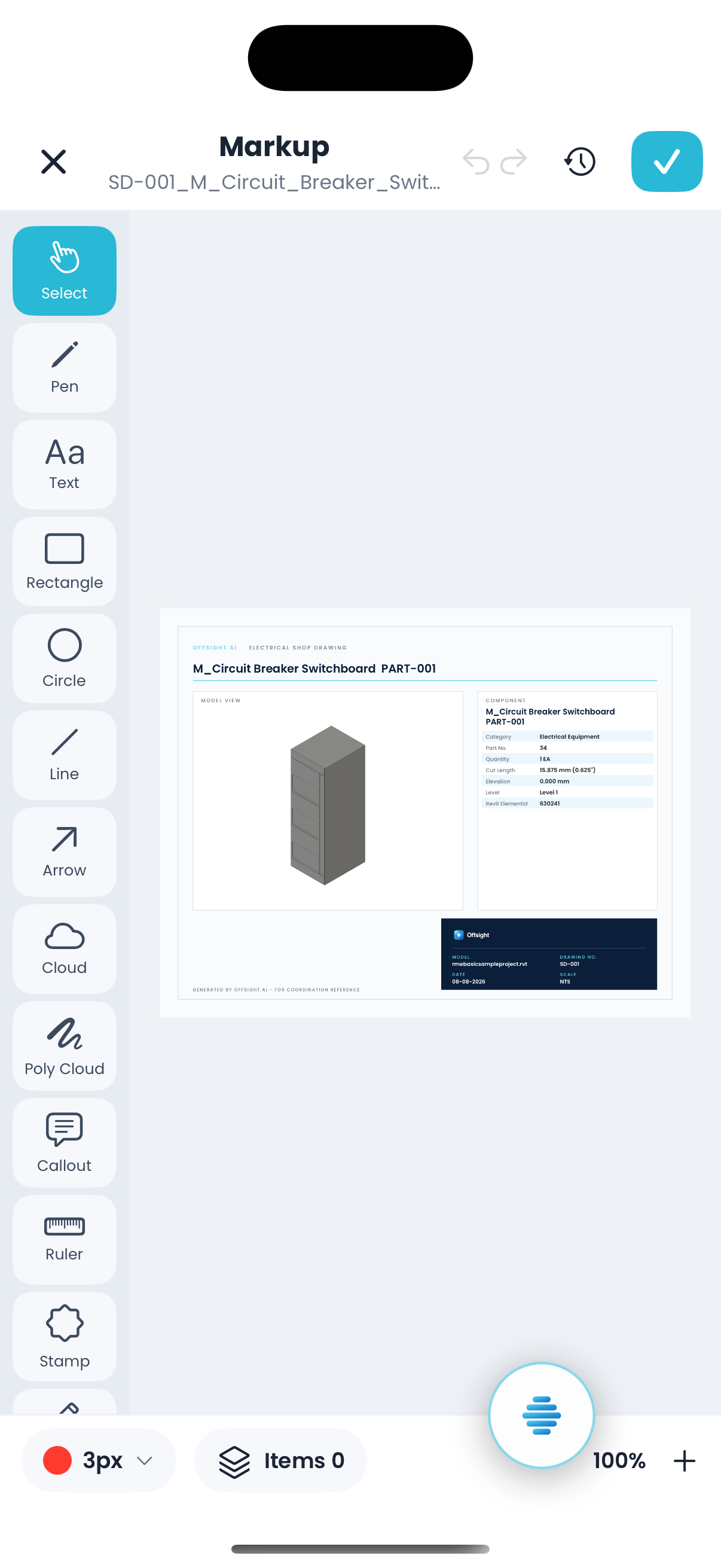
PDF markup
Mark up shop drawings directly in the console.
File Workflows
Route incoming files with rules and track processing status as they run.
Photos
Search photos by project, product, zone and checklist, with captions, markup, versions and failure states.
Production Reports
Build production reports from tasks, zones, product types, users, tags and task groups.
With Offsight AI
Ask for the package. Offsight AI assembles it.
Offsight AI can read folders, photos, reports and production records together to create the document your team needs.
Reads the right folder. Point Mission Control at a linked folder and it can use the files inside it.
Creates the package. Ask for a closeout package or weekly quality report and Offsight AI assembles it from live production data.
Reviews photos in context. Attach a defect photo and ask which checklist, drawing or SOP applies.
Helps manage files on screen. On the console, the Assistant can help open folders, refresh the tree and update File Manager fields.
On the floor
Photos and markups captured where the work happens.
See Documents running on your factory workflows.
We will walk through the workflows using your products, teams and factory terminology.