Resources · Support
Enterprise-grade support
for factory operations.
Offsight AI handles setup and configuration from your factory records. When your team needs help, Offsight also provides enterprise-grade support outside the AI: ticketing, SLA response, escalation, security controls and support documentation.
- Console, iOS and Android
- SLA-backed response
- Secure support controls
In-app
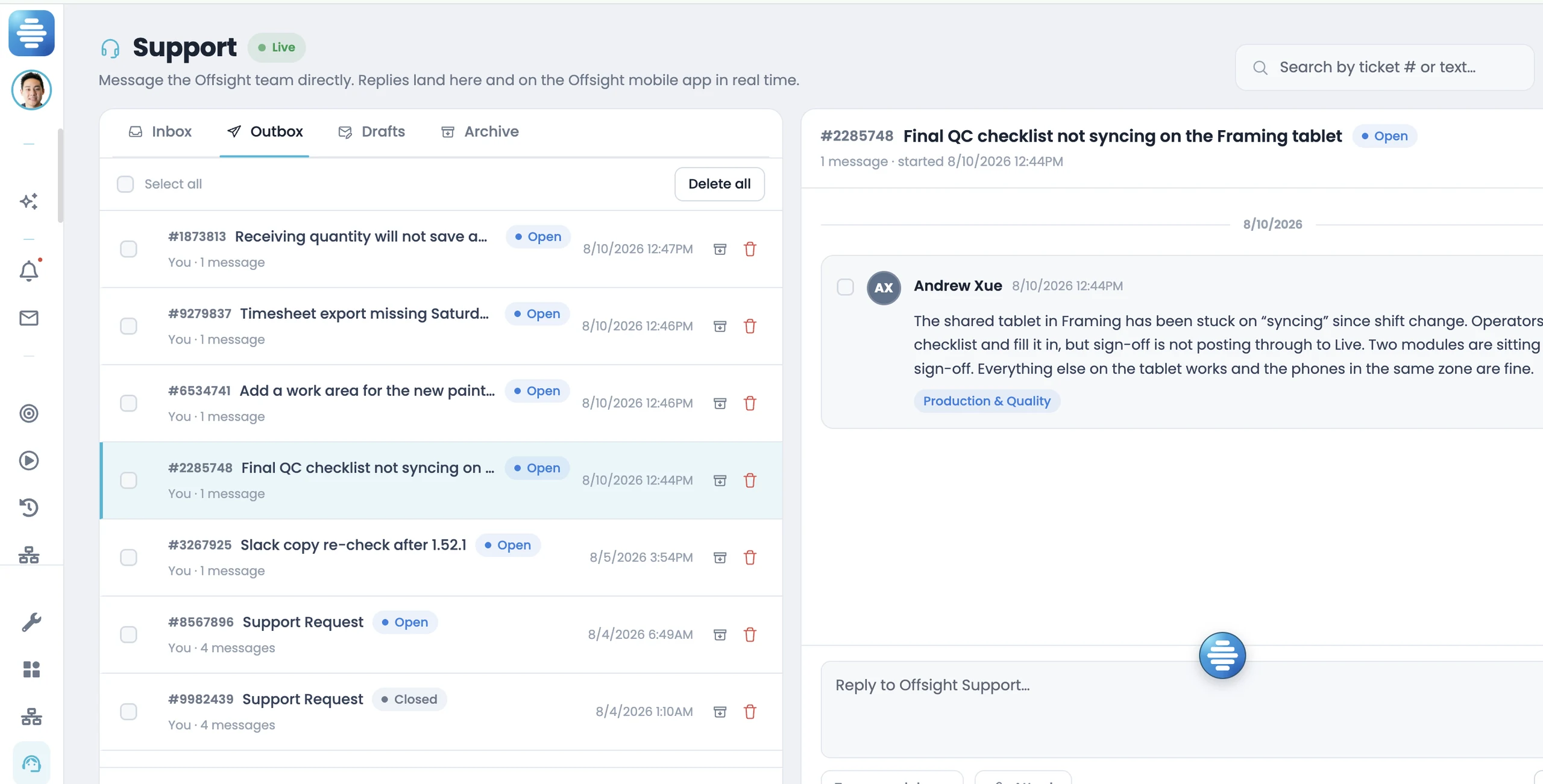
Raise support from the console or mobile app with the module, ticket number, attachments and floor context included.
SLA
Response commitments are documented by severity so teams know how support is handled before they go live.
Security
Two-factor authentication, role-based permissions, audited activity, encryption and credential controls support enterprise security requirements.
Direct support
A support system outside the AI gives teams a clear path for tickets, security questions, integrations and priority support needs.
In the console
Enterprise support and controls where the work already is.
- Operational ticketing. Inbox, outbox, drafts and archive keep plant requests organized by status and history.
- Searchable history. Every request gets a ticket number so teams can reference it in shift meetings, support reviews and internal follow-up.
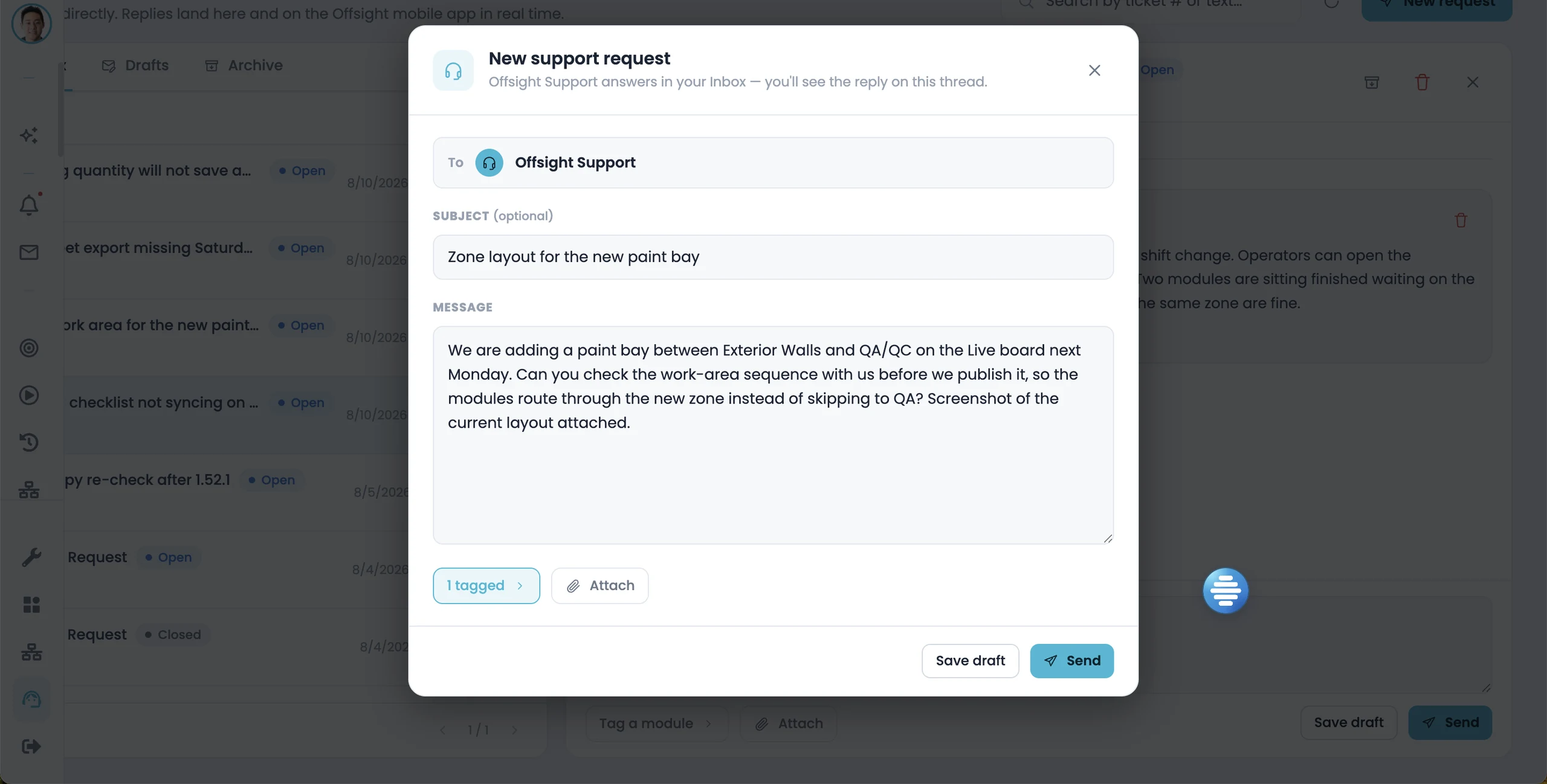
- One support record. Full context stays in one thread, including replies, attachments, module tags and timestamps.
- Attach the floor context. Attach photos, screenshots, files or examples so support can understand the issue without another round of discovery.
On iOS and Android
Support from the floor, not just from a desk.
Operators, leads and managers can raise support from the place the issue happened, while enterprise admins keep visibility from the console.
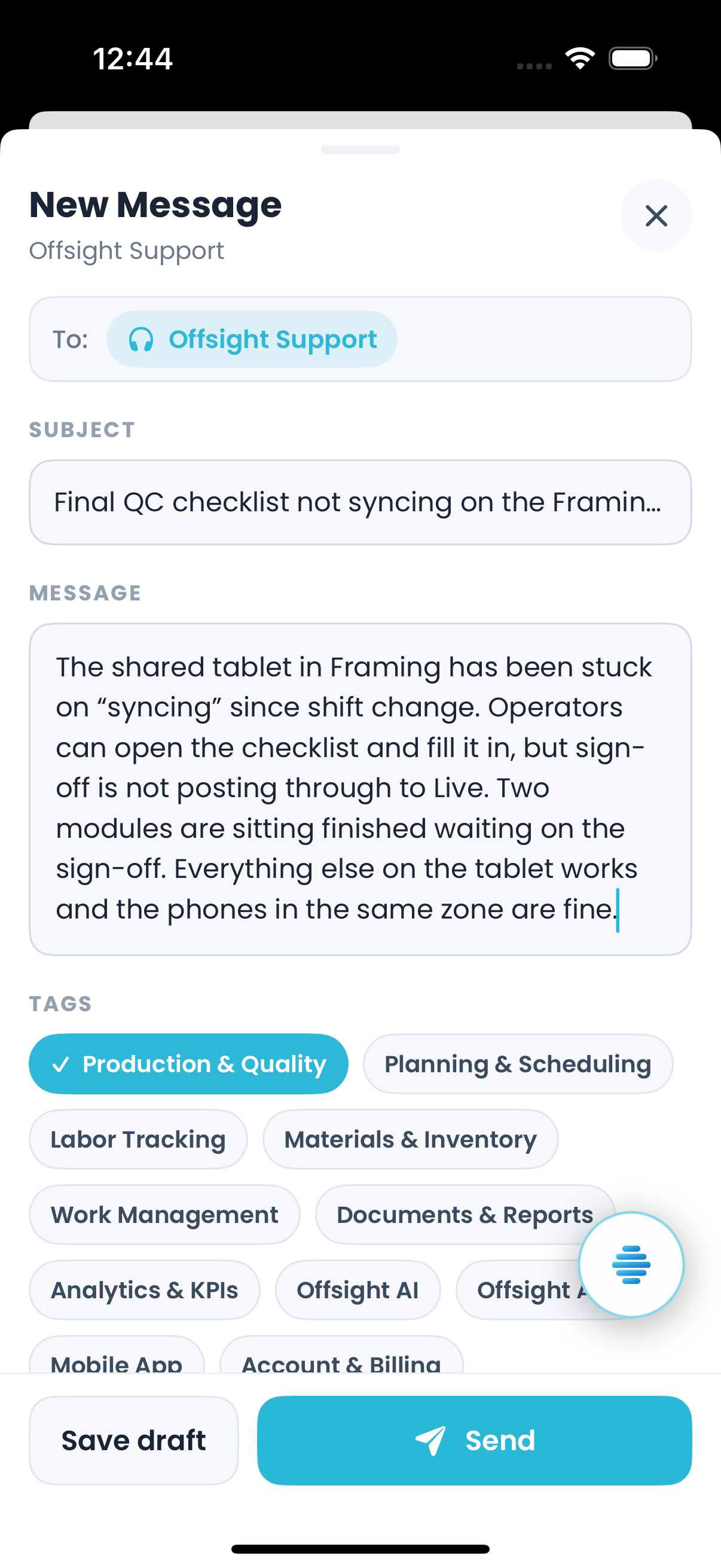
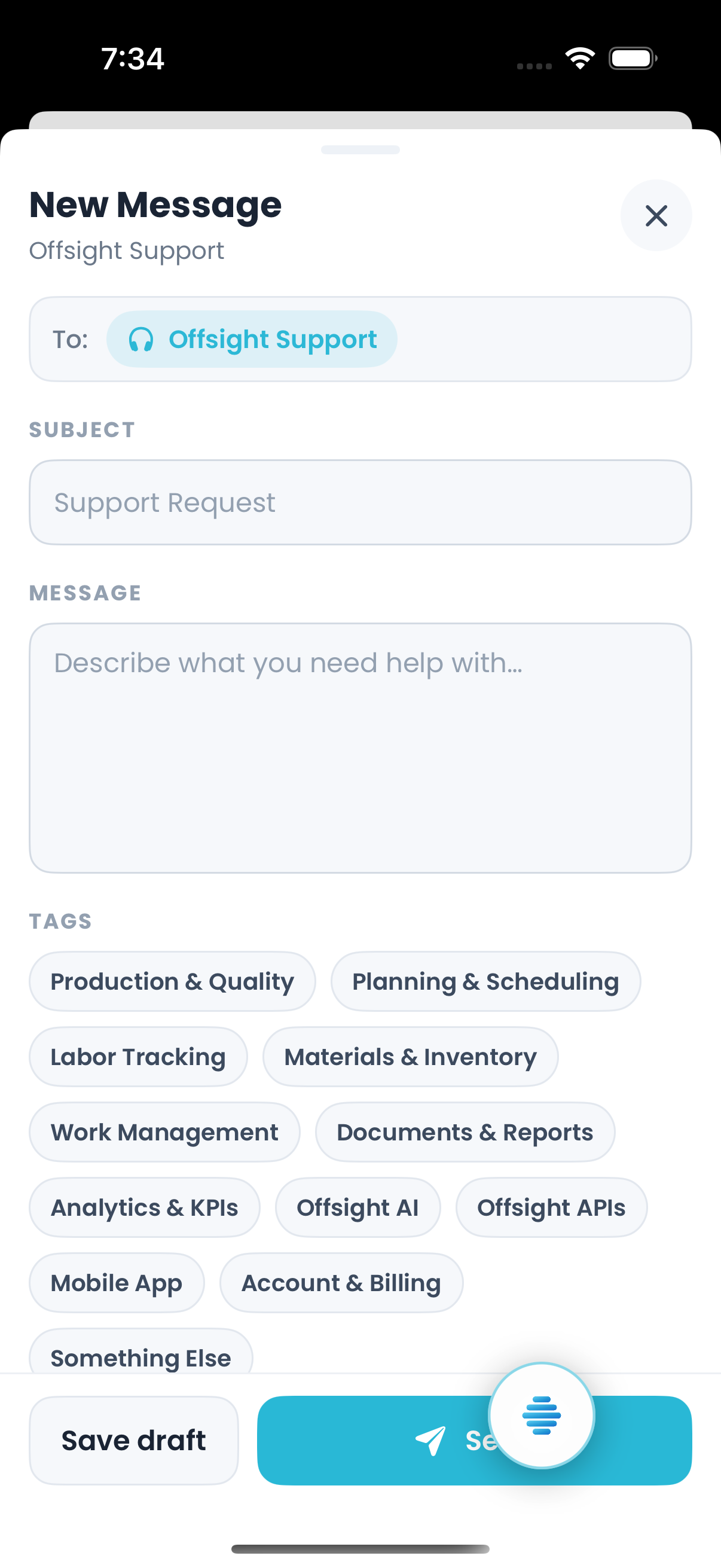
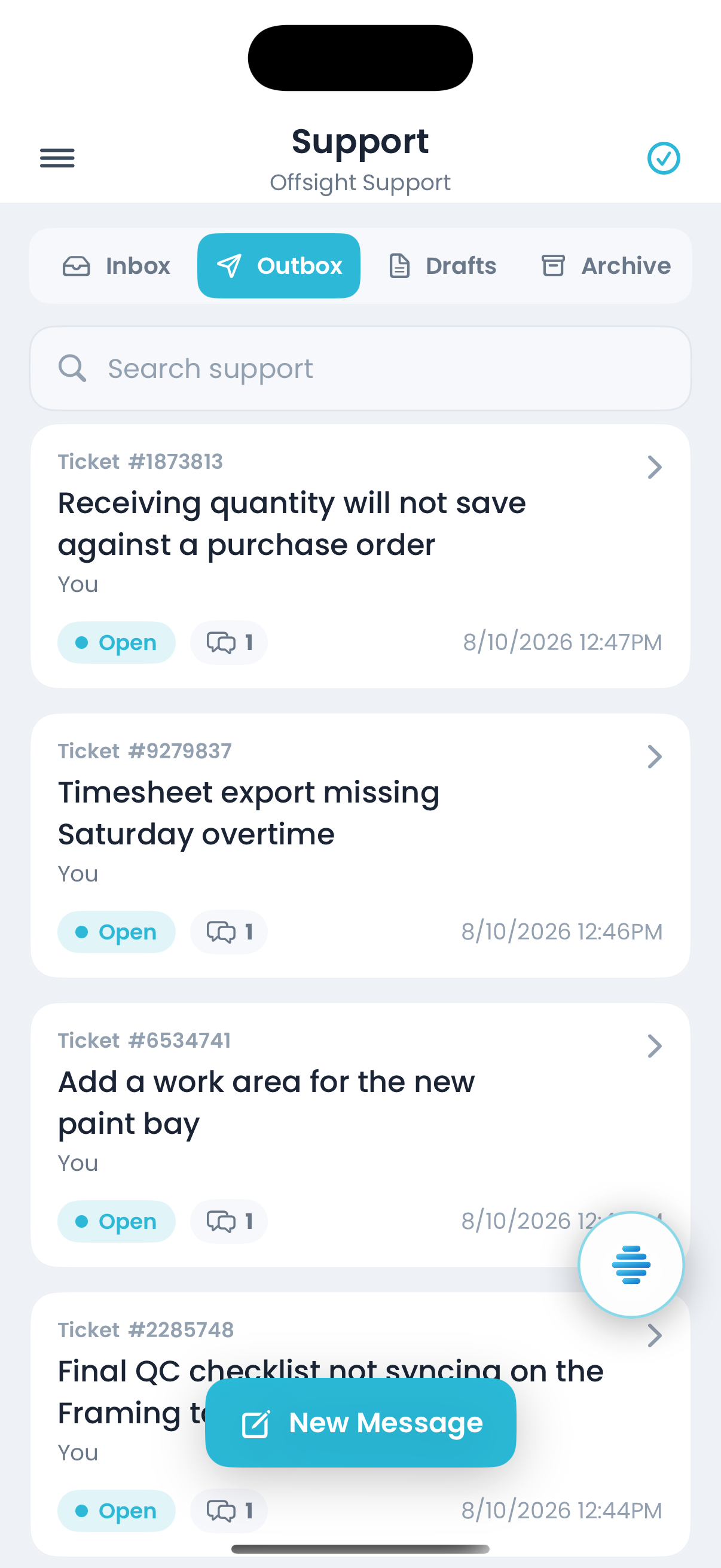
Capture it where it happened
Send the subject, message, module, screenshots or photos while the operational context is still fresh.
Route it to the right expertise
Module tags help route production, materials, labor, planning, AI, integration and security questions to the right support path.
Track it through resolution
Open and closed states, reply counts and timestamps help teams manage support through resolution.
Ticket visibility
Open tickets stay synced for every team.
- Open tickets stay visible. An operator can submit a ticket at the station while managers and enterprise admins see the same open issue in the dashboard.
- Updates stay synchronized. Replies, status changes and attachments appear in the console and mobile apps so every user is working from the same information.
- The ticket reference is shared. Use the same ticket reference in shift meetings, support reviews, email updates or escalation reviews so the entire organization stays aligned.
- History carries across shifts. The ticket history preserves what was asked, what was answered, what is still open and who needs to review it next.
Why this matters
A factory platform you can run without a systems integrator.
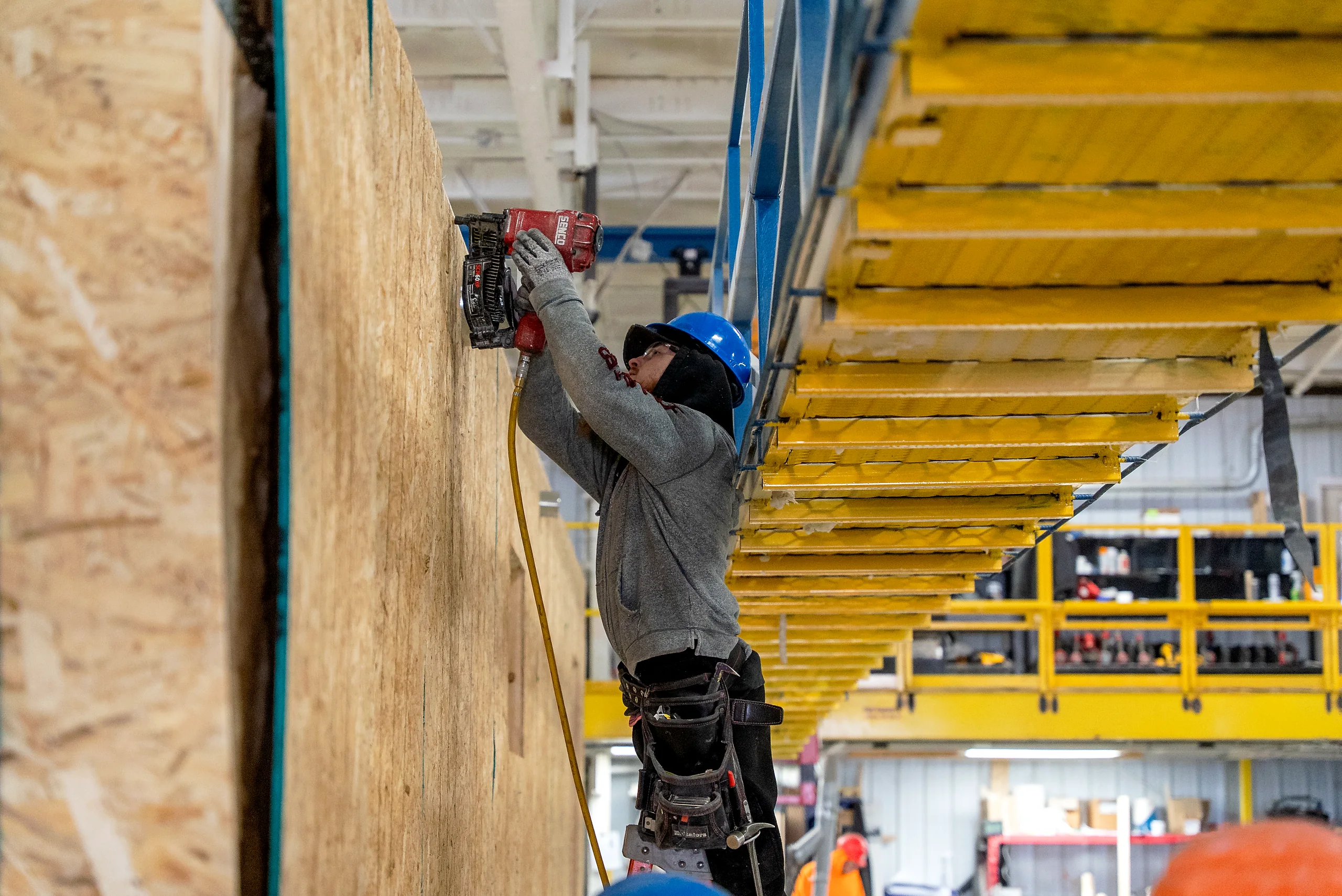
Most factory management platforms stay out of reach because running one usually assumes a dedicated internal team, an implementation partner and a separate support contract. Offsight AI is built differently: the AI helps configure the system from your factory records, and enterprise support is built into the product from day one with ticketing, SLA response, escalation and security controls.
- In-product support dashboard
- SLA-backed first-response commitments
- Two-factor authentication and role-based access
- Audit trails, encryption and credential controls
- Direct support path outside the AI when needed
Alongside this
Enterprise support, security and reliability.
Service Level Agreement
Availability, response commitments, severity levels and support expectations written down for review.
Learn moreApps & Integrations
ERP, design, machine, factory-tool and API integrations supported through the same operational system.
Learn moreCustomers
Customer examples from teams running Offsight across production, quality, materials and multi-site operations.
Learn moreAsk us how enterprise support works.
We can walk through 2FA, permissions, audit history, credential controls, SLA response, ticketing, escalation and direct support outside the AI.