Solutions · Operator
Build from one screen at the station.
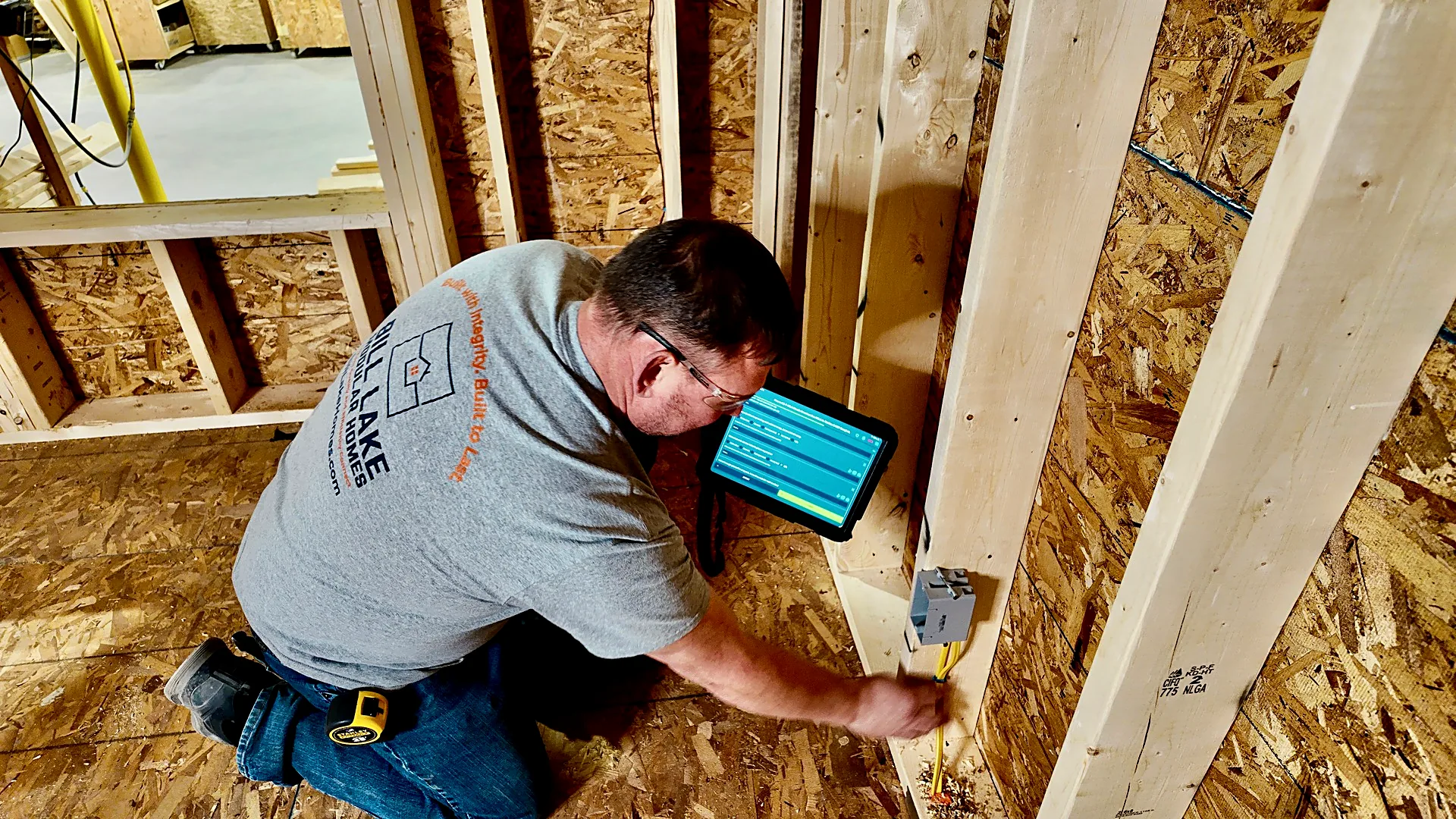
Offsight gives operators the drawings, checklists, photos, labor tracking and issue reporting they need without pulling them away from the work.
Operational benefit
What Offsight gives this role.
- Less end-of-shift paperworkCapture progress, checks, photos and notes while the work is happening.
- Current instructions at the stationOpen the current drawing, checklist and work step from the same product screen.
- Faster issue escalationFlag a question, attach a photo and route it to the right lead without leaving the station.
Connected workflows
Where this role runs the work.
The Offsight screens that keep decisions connected to the floor.
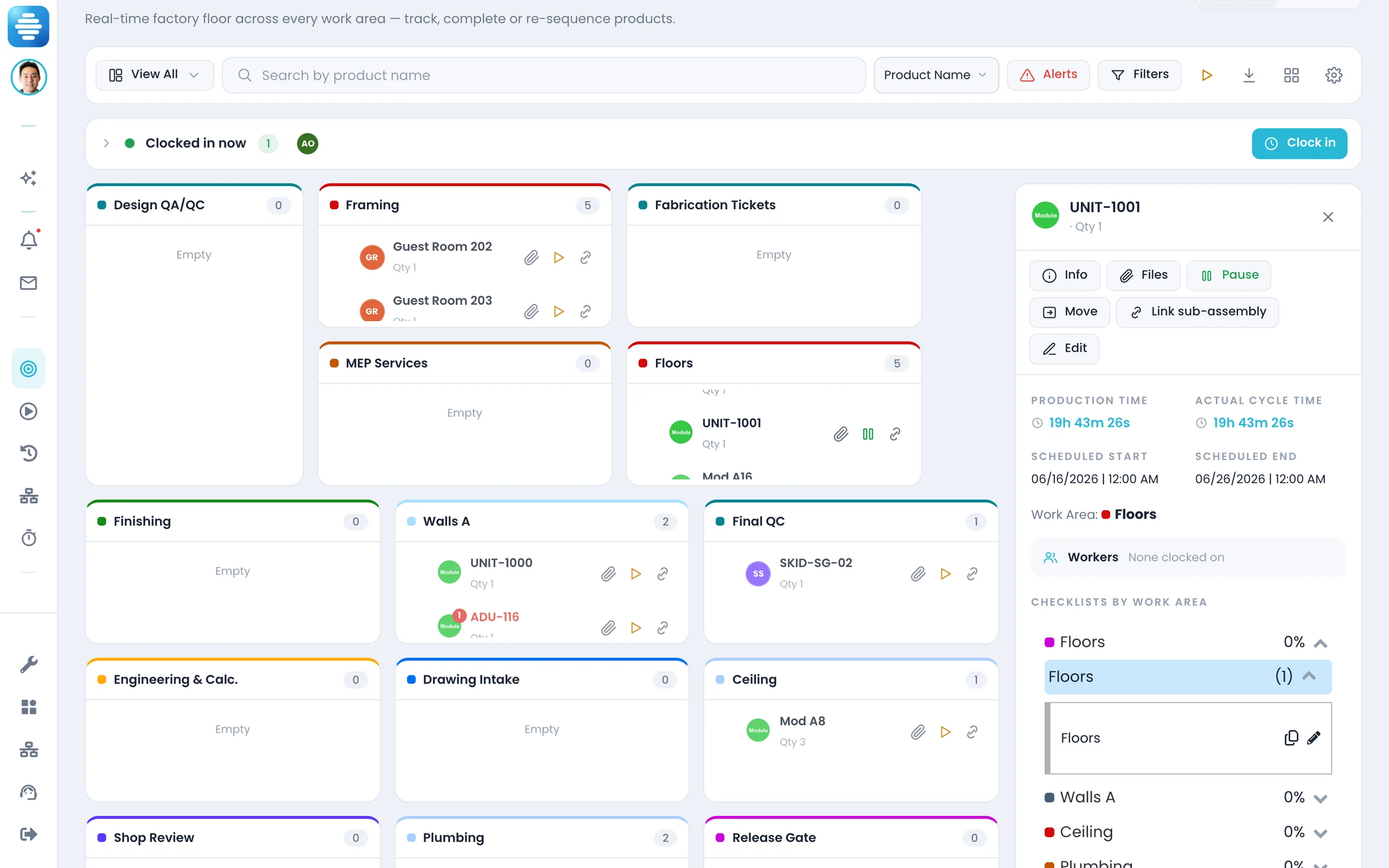
Production — Live · Both
Your unit, your zone, and the checklists that belong to it.
Labor Tracker · Both
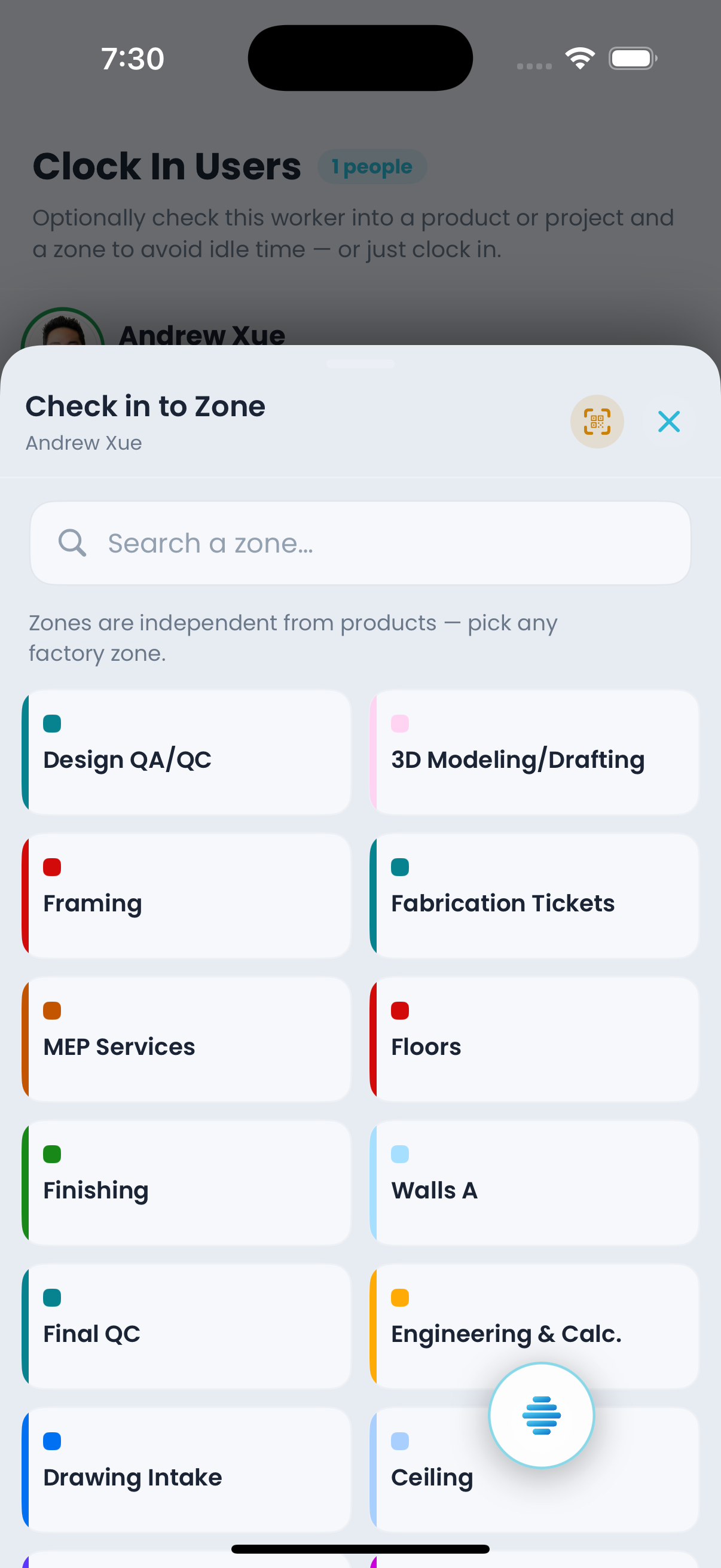
Clock in once, then check into the product, project or zone you are actually on.
Markups · iOS & Android
The drawing set in your hand, out of the same document library the console calls File Manager.
Photos · Both
Evidence filed where it belongs, project, product, zone, checklist.
Offsight AI
Record the work without slowing the work.
- Fills in the form. Say what you did in your own words.
- Diagnoses with you. Describe what you are seeing on the unit and it brings back the spec, the checklist step that governs it, and what earlier submissions on the same product type looked like.
- Knows what the step needs. Whether this one takes a signature, what the tolerance actually is, which revision of the drawing is current.
- Tells the right people. Flag a problem once and the alert, the photo and your note reach your lead and go on the record.
- 1ReadsProduction, materials, labor, quality and documents as one system
- 2SpotsSchedule risk, shortages, failed checks and bottlenecks early
- 3ActsUpdates the record, assigns follow-up and keeps teams aligned
- 4ReportsA clear record of actions, owners and next steps
One station screen
Drawing, checklist, labor and photos stay with the unit
No double entry
What is captured during the build becomes the production record
Less catch-up
End-of-shift reporting is created as work is completed
Also relevant
Related roles in the same operation.
See Offsight from the operator’s seat.
Start a 14-day trial shaped around your products, your terminology and the daily workflows this role owns.