Services
Everything it takes to go live.
Bundled with Vision AI and the MES.
Offsight does not hand you software and walk away. Every Vision AI and MES purchase can come with a full services package, scoped with you and priced as one collective cost: we deploy it on your floor, train your teams, set up and connect your systems, and stay with you after go-live.
- Deployed on your floor
- Trained with your team
- One bundled price
The package
Five services. One package.
Everything below comes bundled with Vision AI or the MES, at one collective price. Pick a service to see what it covers.
Frontend AI deployment
Cameras, Vision AI and Offsight AI live on your floor.
See what it coversAIAI training and onboarding
Vision AI trained on your floor, with your team.
See what it coversMESMES setup
Work areas, products, checklists and roles configured with you.
See what it coversMES + AICustomizations and AI integrations
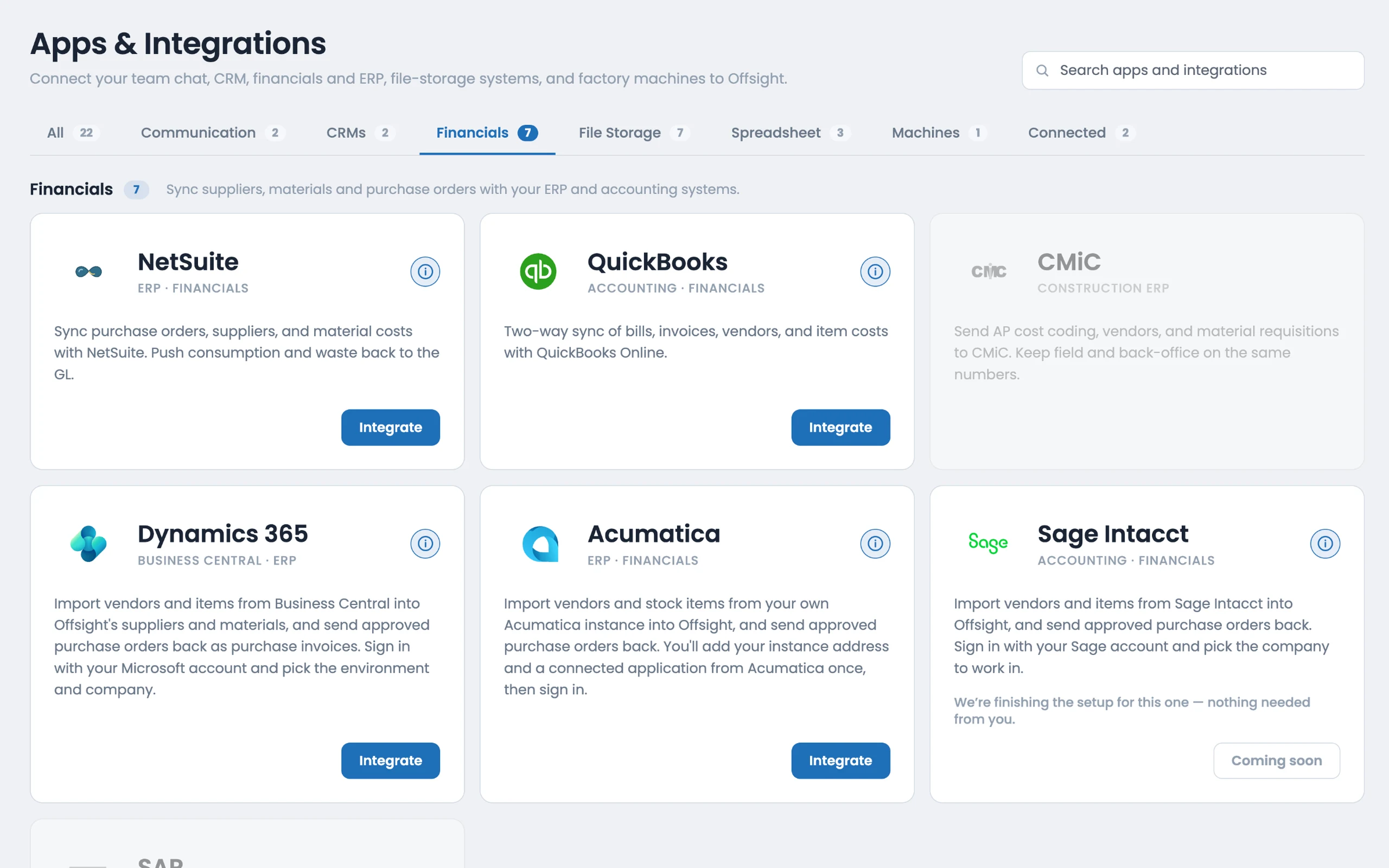
Custom workflows, and your ERP and design software connected through the open Offsight APIs.
See what it coversMESMES training and onboarding
Operators, supervisors and admins trained, on site and remotely.
See what it coversOne collective price for the whole package, bundled with Vision AI or the MES. See pricing
01 · AI services
Frontend AI deployment
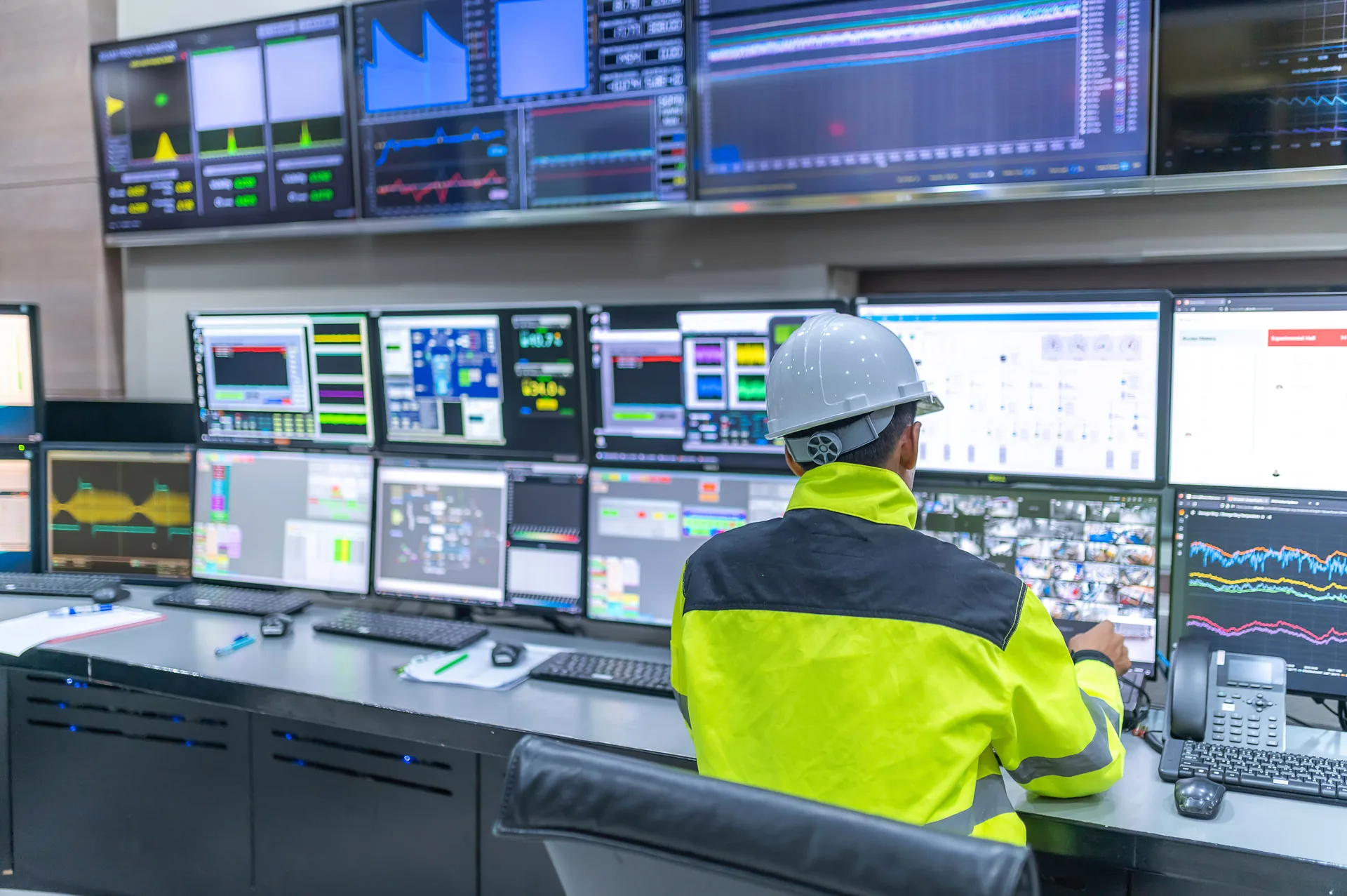
- Camera survey and placement advice, with our recommended cameras where you need more coverage.
- Your existing camera systems connected, or any other camera through a Custom Camera Connection.
- Work areas and machines set up for Vision AI to watch.
- Offsight AI in front of your people on the console, iPhone and Android.
02 · AI services
AI training and onboarding
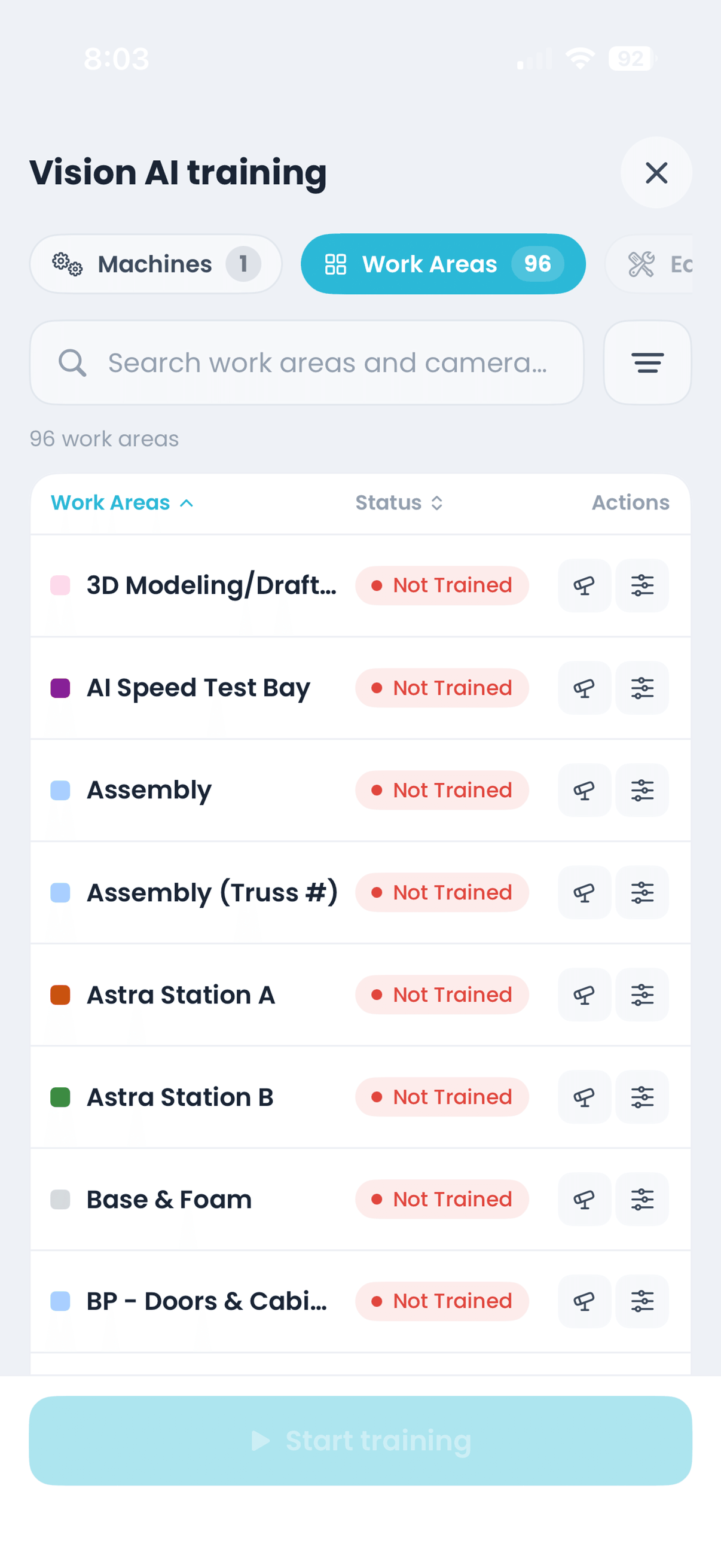
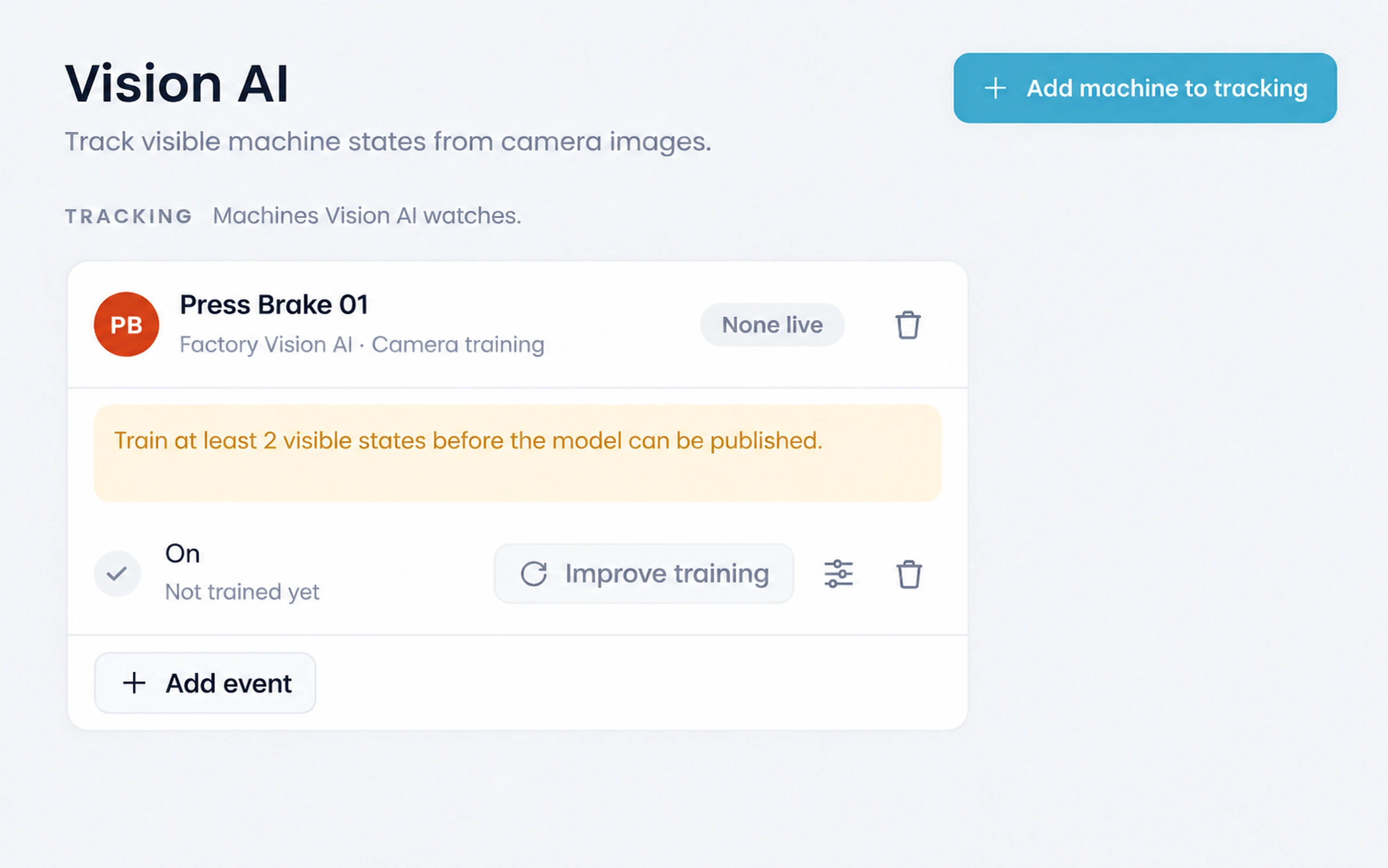
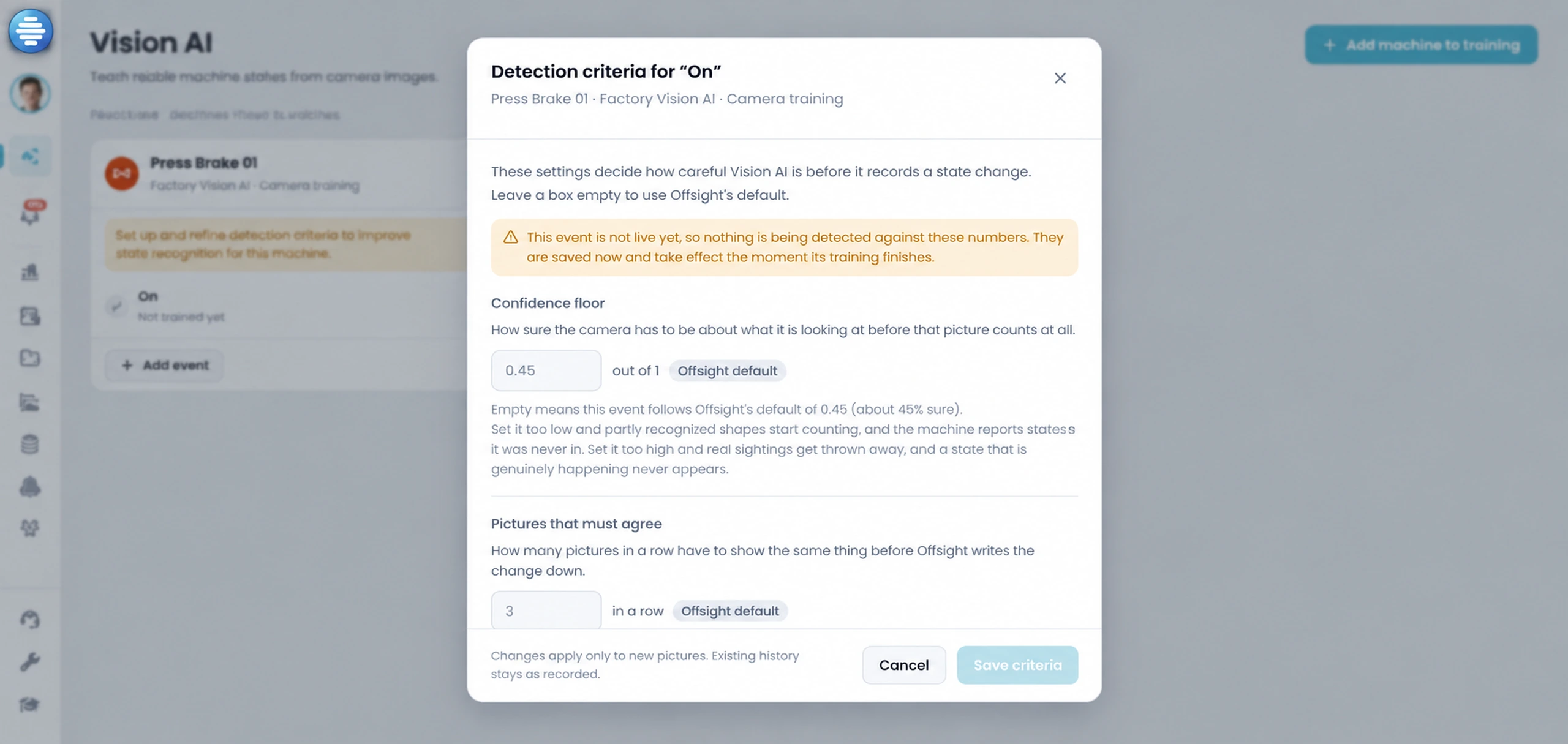
- Label frames together: three photos per camera for a work area, or 12 On and 12 Off for a machine.
- Train, review each state’s detection criteria, then publish.
- Offsight trains and runs the model. No servers or GPUs on site.
- Supervisors onboarded to Offsight AI reports and live questions about the floor.
03 · MES services
MES setup
- Work areas, products and product types set up to match your floor.
- Checklists, schedules, users and roles configured with your team.
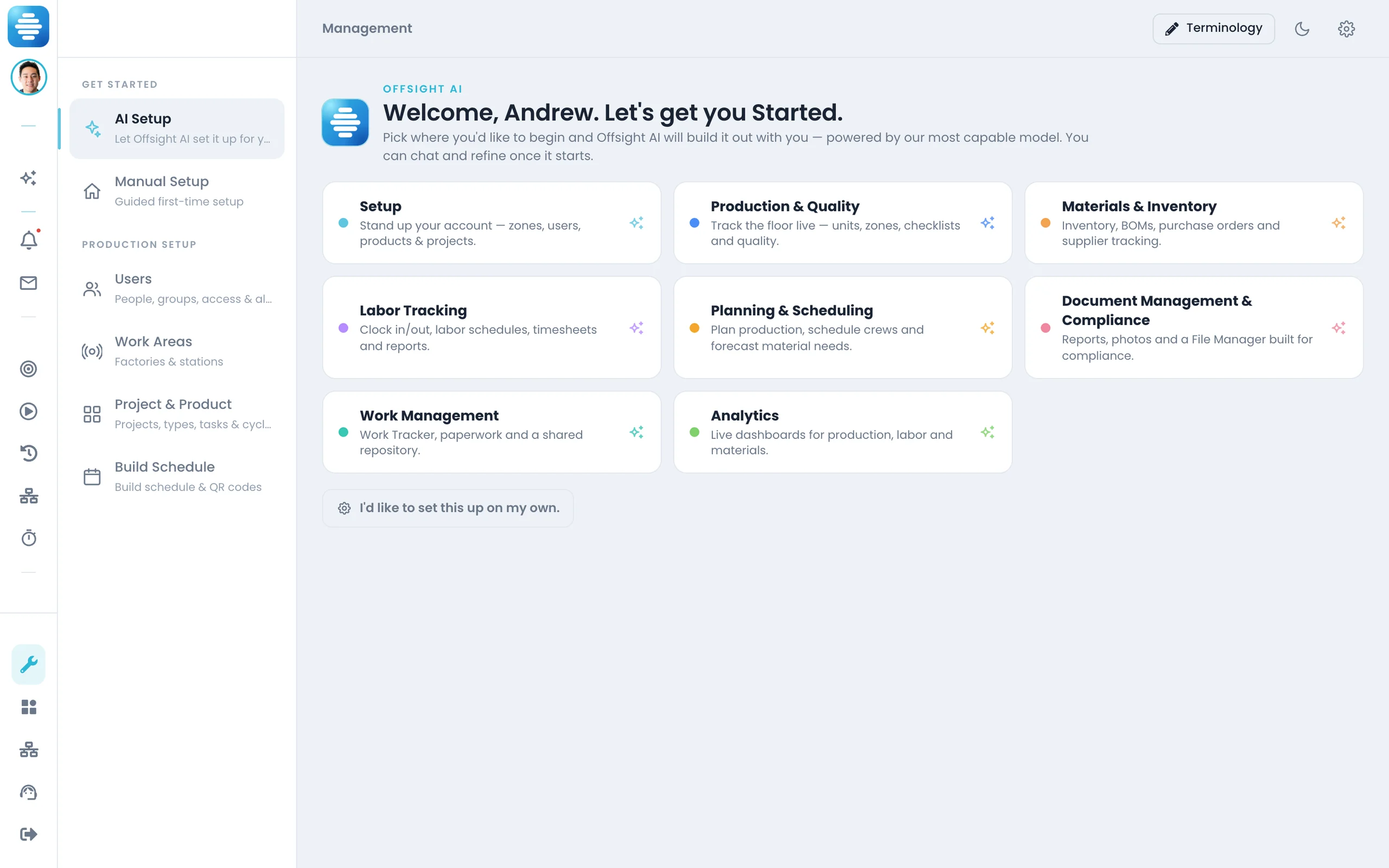
- Offsight AI Setup builds each feature set in a chat while you watch.
- Guided Setup on every area, for the parts your team wants to do itself.
04 · MES and AI services
Customizations and AI integrations
- Custom workflows, fields and reports for how your factory works.
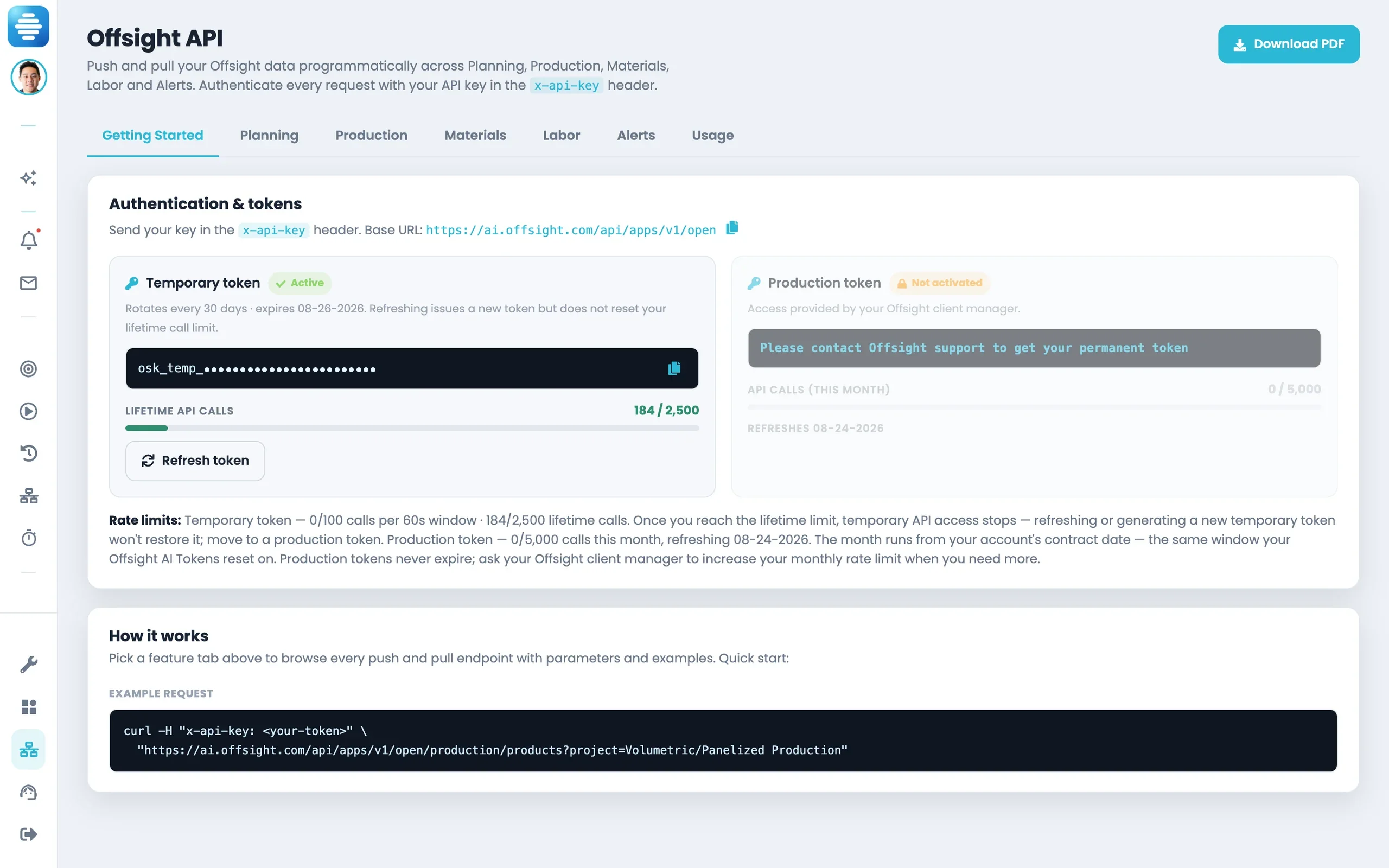
- ERP and design software connected through the open Offsight APIs.
- Machines and Vision AI feeding the MES, with detections available over the API.
- Sandbox keys to test first, production keys once the integration is approved.
05 · MES services
MES training and onboarding
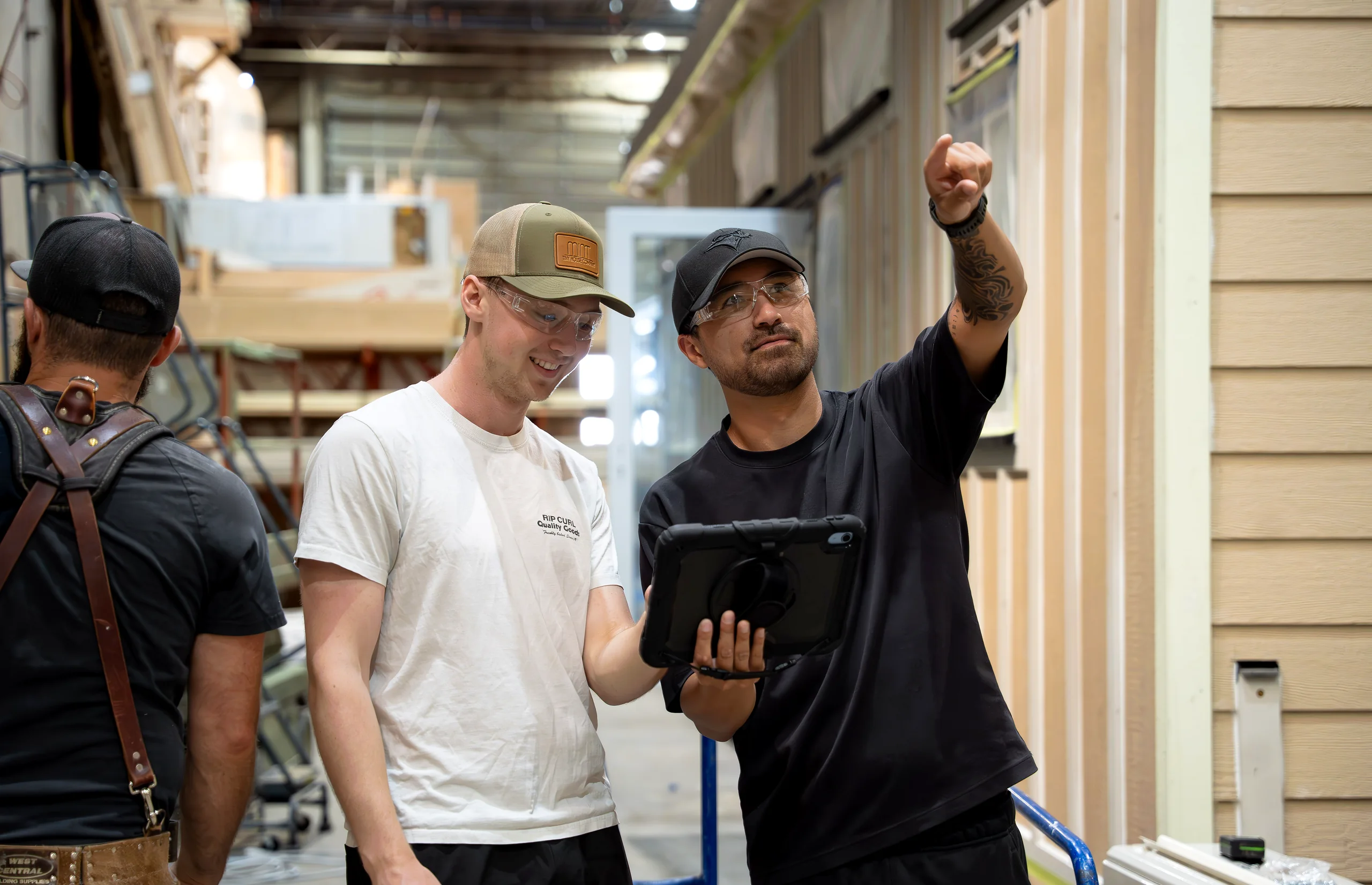
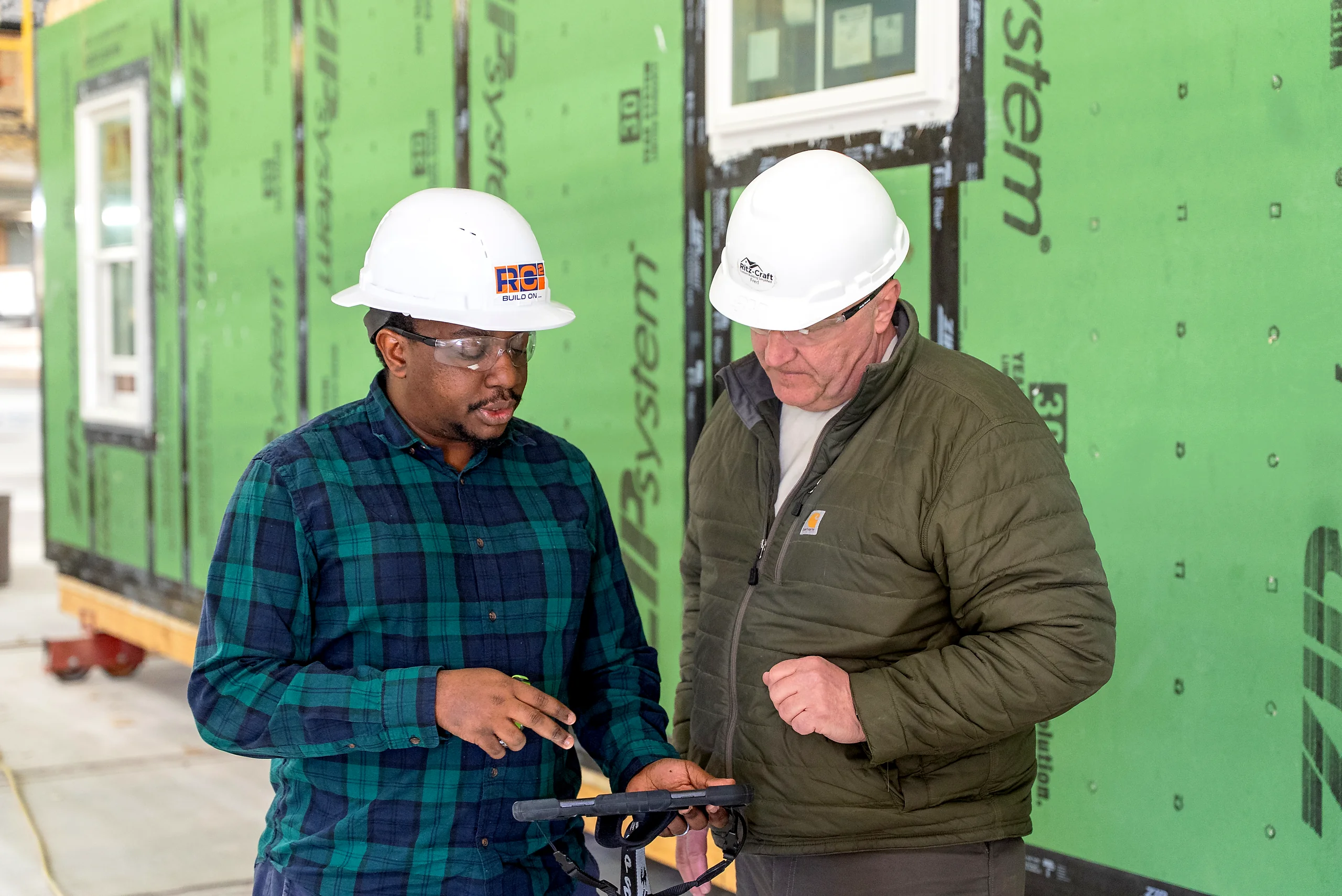
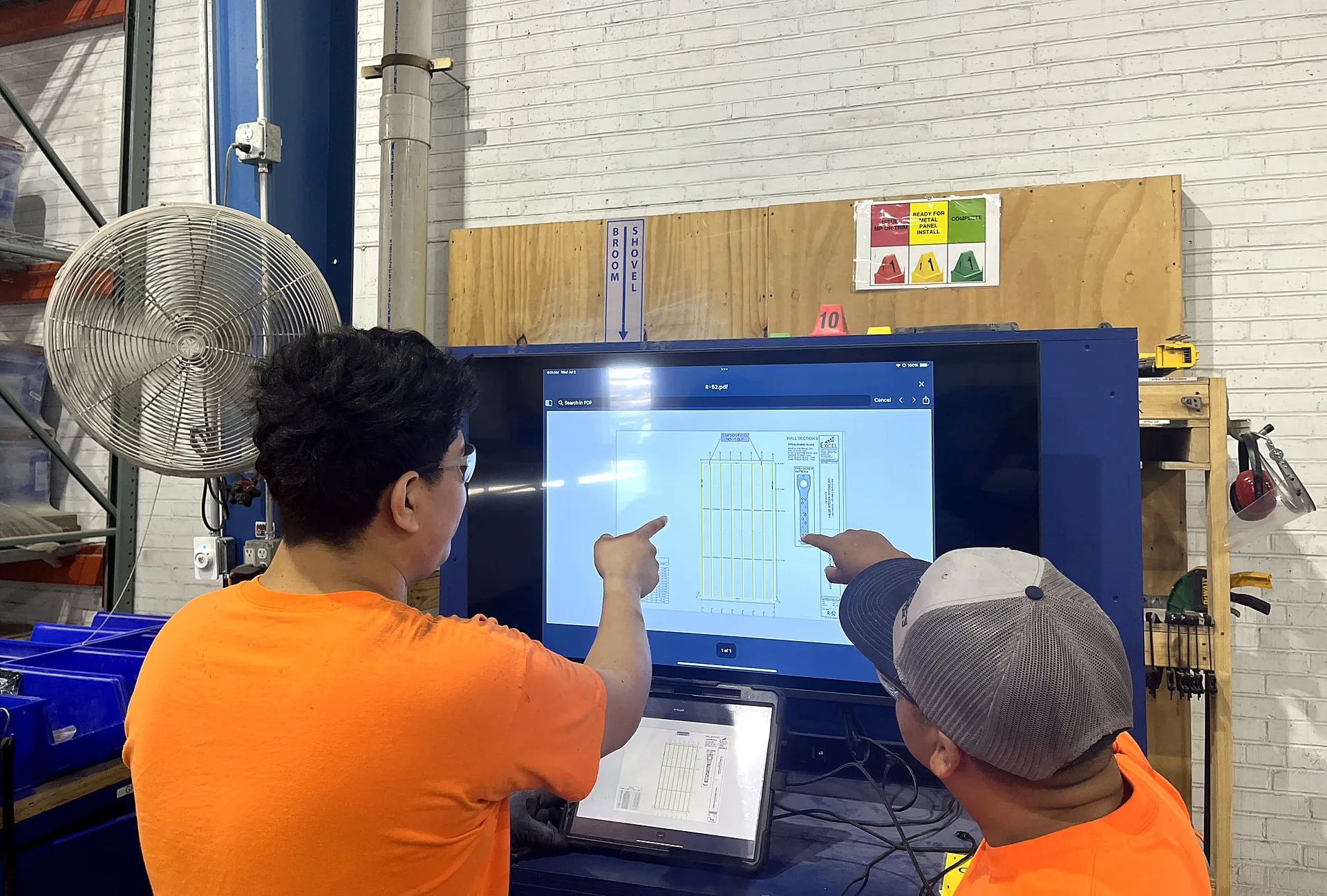
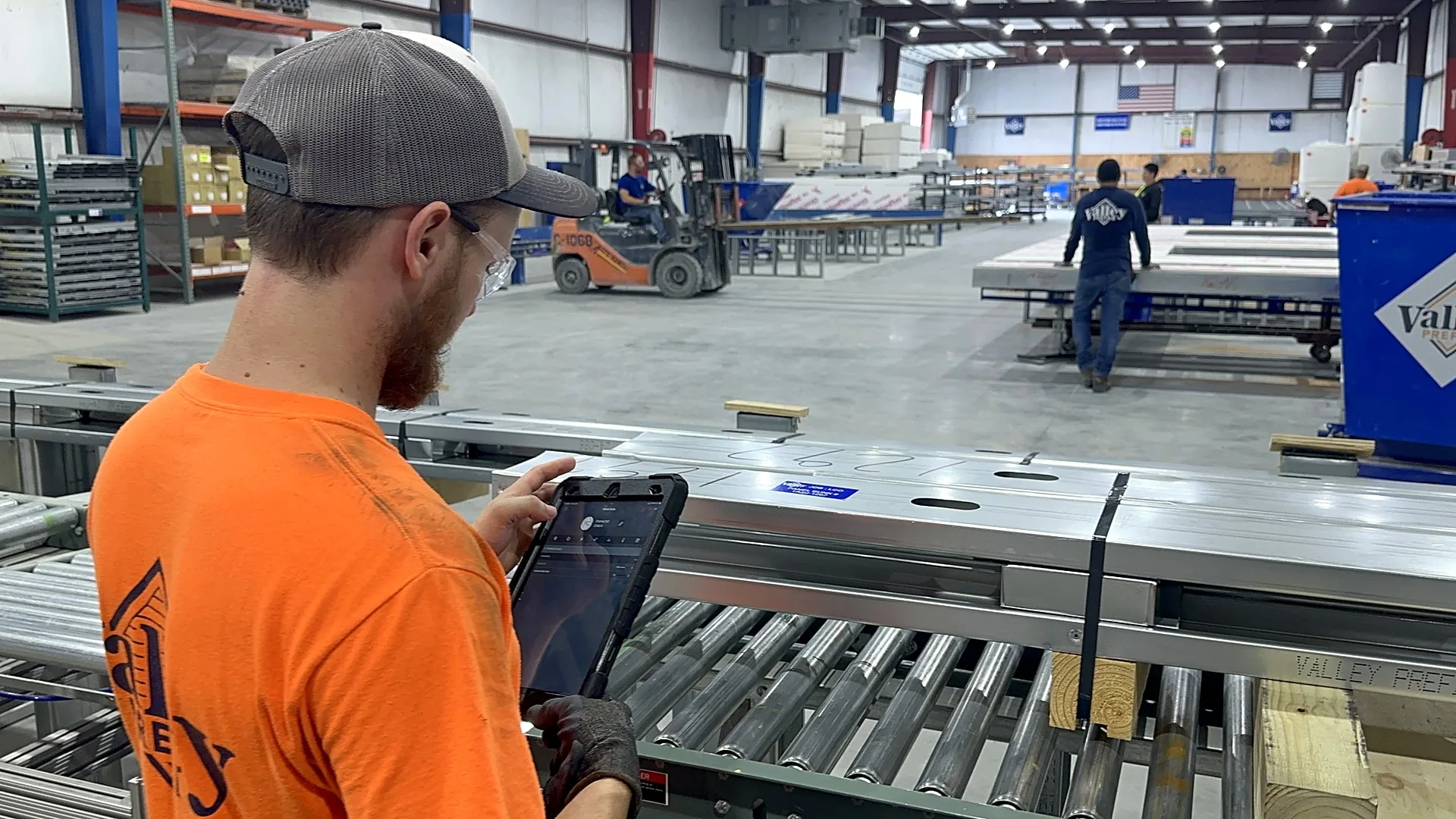
- Operators trained at the station on iPhone, Android and the console.
- Supervisors trained on the boards, schedules and reports they run.
- Admins trained to manage users, roles and setup themselves.
- Support after go-live, raised from the console or the apps. How support works
On real floors
What manufacturers say about working with Offsight.
Offsight has allowed our entire team to track our production process in real-time. Offsight’s user interface is very easy to use and implement across our organization.

David Kazibwe
Project Manager, Ritz-Craft

It’s no surprise we decided to go with Offsight’s software to manage production, quality, reporting, materials and labor on our major factory projects. Their software is suited to the needs of the industry and our process.

Amin Irving
CEO, Ginosko Development

We are focused on eliminating guesswork on the factory floor. Partnering with Offsight gives our teams the real-time visibility and quality tracking needed to streamline execution.

Jason Stachow
Regional Vice President, Skyline Champion

Ready to put Offsight on your floor?
Tell us about your floor and we will plan the rollout with you: cameras, Vision AI, the MES, integrations and training, at one bundled price.